Sepia Filter Online - Vintage Photo Effect

Preview - Sepia toned image

Make a sepia tone photo

To sepia tone your photo online, follow these simple steps: upload your photo to the app, then click the sepia option to process the photo. When the procedure is finished, a preview of your photo will be presented in the container; if the desired sepia tone is obtained, you may save your image.
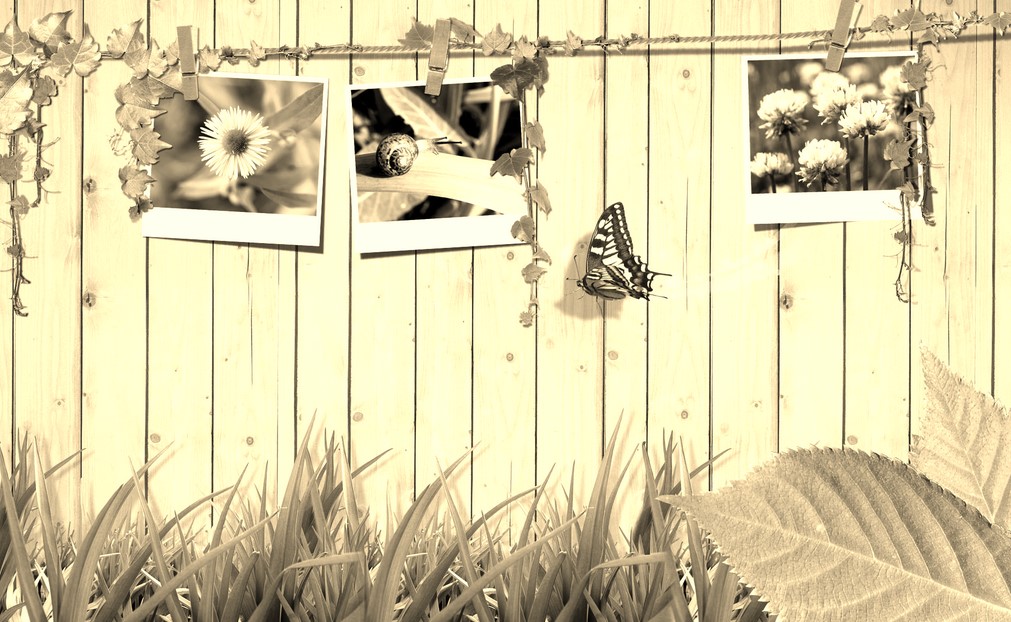

What is sepia toning?

Sepia toning is a specialist technique used to give a black and white photographic print a warmer tone while also improving its preservation characteristics. Please learn more about sepia toner kinds and phases on Wikipedia. Check here.

Client side process

To create a sepia tone photo online, we utilize jquery and compatible plugins. All processes are carried out on the client side, thus there is no need to wait for a picture to be uploaded to the server or for a sepia toned photo to be downloaded from the server.

Free to use

Our app is entirely free to use. It is a complete version with no hidden fees, no registration necessary, no demo versions, and no other restrictions. There are no limitations on how many photos you may sepia tone.

Highly Secured

As previously said, we apply the sepia tone filter on photographs using the client browser. We promise that the photos used in the program are not transported anywhere away from your computer and that no one else may view your photos except you.

Easy to use

The tool is easy to use; no particular skills are necessary to apply the sepia tone filter to pictures using our software; simply upload your photo, click the create sepia tone button, and preview it.

Save sepia toned photo

The tool allows you to save your photos after successfully applying the sepia tone to them. Click the save button after previewing your photo in the container. The option to save comes in both jpg and png formats.

No limit

There is no limit to the amount of images you may use to apply sepia tone to with our tool. There is no need to join up to utilize this feature. We don't have any limitations or anything, and we always keep the same degree of accuracy.

About the Sepia Photo Filter

Sepia gives a picture the warm brown tone of old photographs. Upload an image, apply the filter and download your vintage-style photo as PNG or JPG.

How it works

  1. Upload your image.
  2. Set how strong the sepia effect should be.
  3. Apply it and check the preview.
  4. Download the sepia photo.

Popular uses

  • Create an antique or retro look.
  • Style wedding, travel and family photos.
  • Make consistent vintage graphics for posts and posters.

How do I turn a photo into sepia?

Upload the photo and apply the sepia effect. Download the result as PNG or JPG.

Sepia looks best on photos with a good range of light and dark; flat or washed-out pictures turn into a single muddy brown.

Can I get black and white instead?

Yes. Use the ToolXoX Grayscale or Black and White tools.

What gives a photo that old-fashioned look?

Antique prints have a warm brown tone because of the chemicals used in early photography. The sepia filter reproduces it by removing normal colours and tinting the picture brown. For a more authentic look, add a little noise or a slight blur afterwards, which imitates paper grain and soft old lenses.
