

Photo to Sketch - Pencil Drawing Converter


Drop Files Here (Support JPG & PNG Format Only)



How to Convert Photo to Sketch with One Click

Make your ordinary photos look stunning with our sketch converter. With our photo to sketch, you can easily turn ordinary photos into captivating pencil-style artwork, showcasing a unique visual charm in every shot. Use the generated sketches as avatars to attract more attention on any social network you want. Just experience the magic of our image to sketch converter.

Features:
1. 100% free Sketch Style Filter
2. No sign-up
3. High speed
4. Unlimited creation
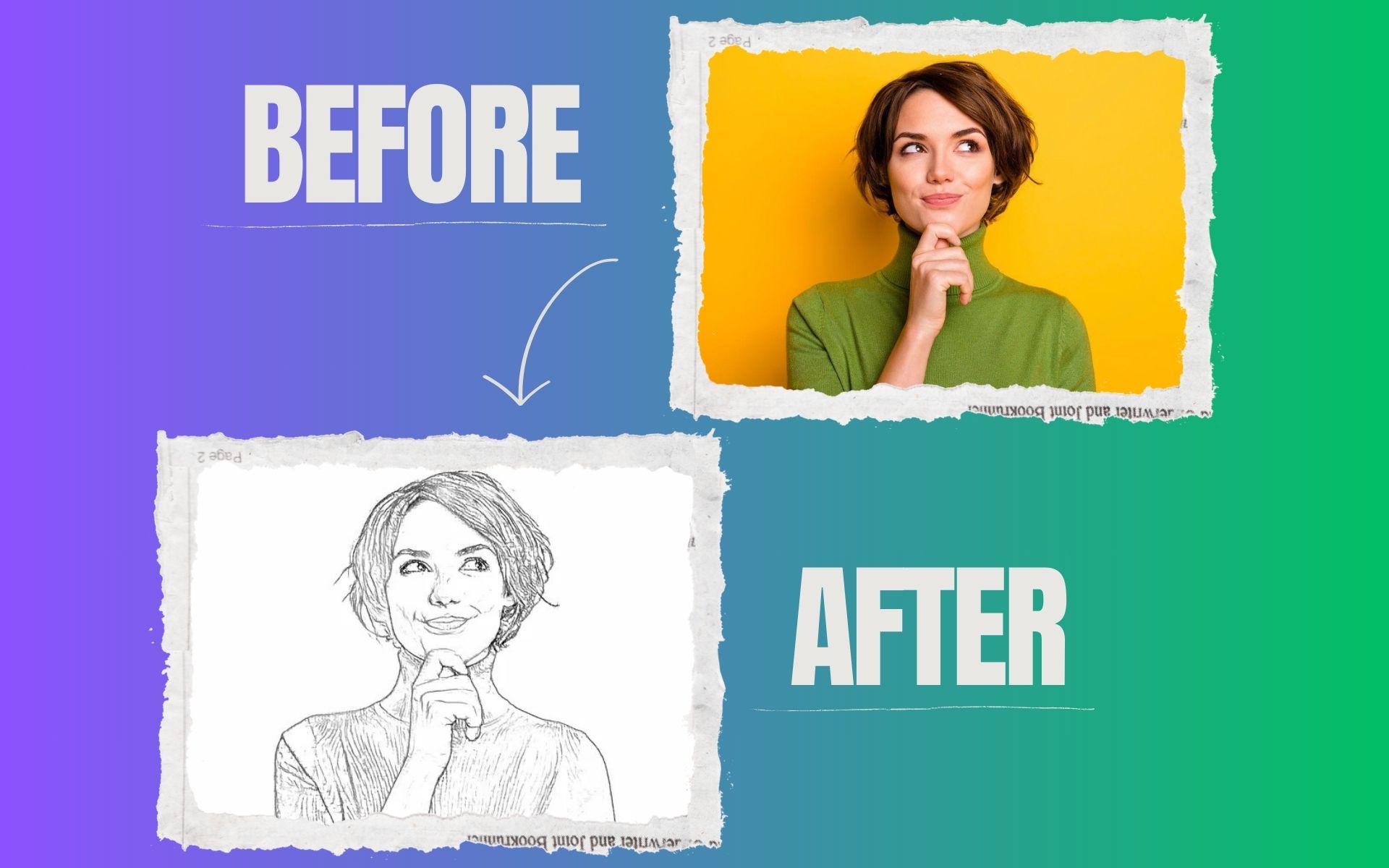

photo to sketch

How to convert photo to sketch online?

Our line drawing tool is incredibly user-friendly and requires no special skills. Just upload your image, and within seconds, it will be transformed into a stunning sketch, bringing your creative ideas to life! Whether you're an artist looking for inspiration or a professional enhancing your designs, this tool makes creating beautiful line drawings effortless and fun.

Is it possible to use the converted sketch image commercially?

Yes, as long as you own the copyright for the original image, the generated image can be used commercially after it is converted with the AI convert image to Sketch generator. As a result, creators have the opportunity to transform their original works into unique Sketch-style visuals for marketing, merchandise, and more.

Do I need to download software to use the sketch filter?

No, we don't require you to download any software. If you have a browser, you can use our picture to sketch converter. It is possible to access the site through a browser on any device, including desktops and mobiles.

Is the photo to sketch converter free to use?

It is 100% free to use ToolXOX Photo to Sketch Converter. Enjoy professional-quality results without spending a dime!

About the Photo to Sketch Converter

Convert your pictures into hand-drawn style sketches. The tool turns portraits and landscapes into pencil-like drawings you can print or share.

How it works

  1. Upload your photo.
  2. Start the sketch conversion.
  3. Wait for the result.
  4. Download the sketch.

Popular uses

  • Create art prints and gifts.
  • Make drawing-style avatars.
  • Use as a base for colouring.

How do I turn a photo into a pencil sketch?

Upload the photo, run the converter and download the sketch.

Photos with strong outlines and good contrast turn into the cleanest pencil lines.

Which photos give the best sketch?

Sharp, high-contrast images with clear outlines work best.

Can I colour the sketch afterwards?

Yes. Print the sketch and colour it by hand, or open the image in a graphics app and paint over it on a new layer. If you prefer to keep a coloured result straight away, try the Photo to Anime or Photo to Ghibli tools for a painted look.