


Ideogram AI Image Generator — Free Online (V4)

Reference Image

Support JPEG, JPG, PNG or WEBP formats up to 10MB


Write your prompt (NSFW Prompt not supported)
Aspect Ratio

Waiting in queue...

Your request is being processed.

Status: - Queue: -

How to Use the Ideogram AI Image Generator Free Online

ToolXoX runs Ideogram V4 in your browser so you can turn prompts into images without creating an account. Ideogram is widely known for readable text in images — ideal for logos, posters, packaging mockups, social banners, and typography-heavy designs that other AI models often misspell.

Choose Text to Image for a new scene from a prompt, or Image to Image to remix a photo you upload. Pick an aspect ratio (1:1, 16:9, 9:16, and more), complete the captcha, and hit Generate. Download the result without a watermark.

What you can create:
1. Ideogram text-to-image art with clear in-image lettering
2. Logo and wordmark concepts with spelled brand names
3. Poster, flyer, and album-cover layouts
4. Image-to-image edits from a JPG, PNG, or WEBP reference
5. Free online use — no sign-up, queue progress while you wait
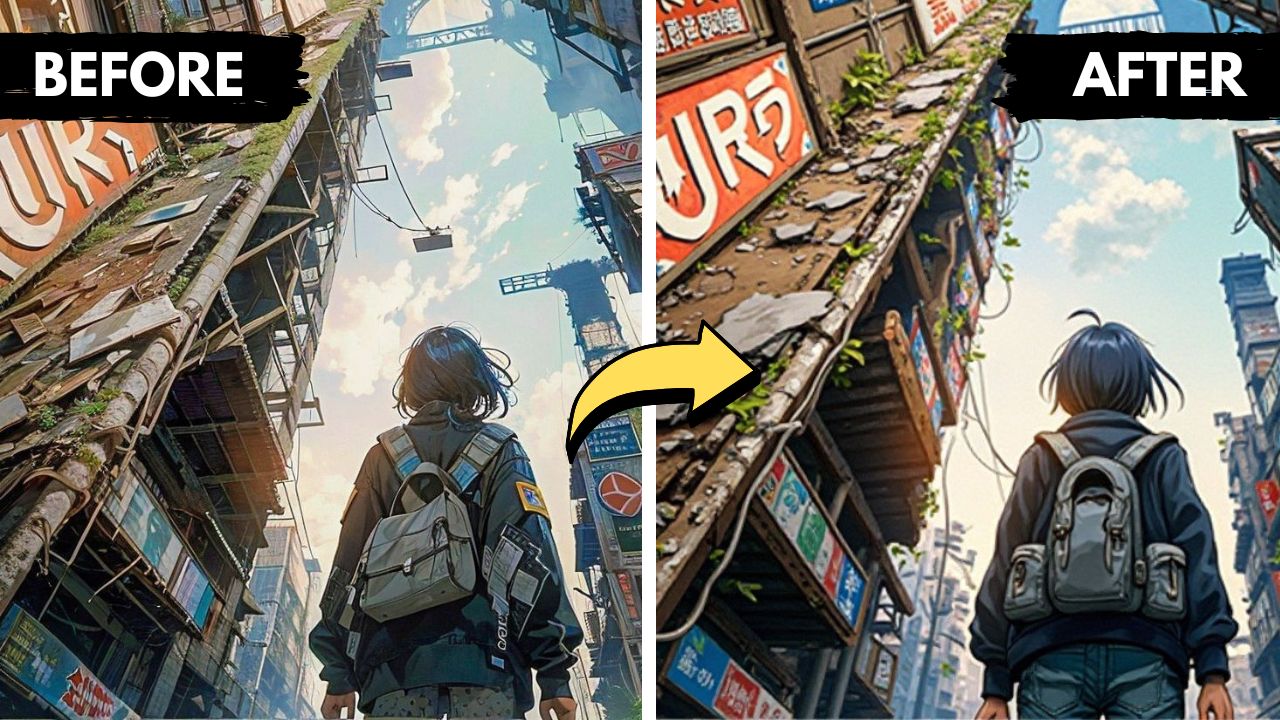
Free Ideogram AI image generator online for text, logos, and posters

What is Ideogram AI?

Ideogram AI is a text-to-image model built for prompt fidelity and typography. Unlike many generators that blur or invent words, Ideogram is strong at rendering headlines, signs, and logo text inside the picture. On ToolXoX you get Ideogram V4 as a free online image generator with both text-to-image and image-to-image modes — no app install and no account wall.

Best for typography, logos & posters

Use Ideogram when the design depends on readable words: brand wordmarks, event posters, merch graphics, book covers, and ad creatives. Put the exact phrase in quotation marks in your prompt (for example, a coffee shop logo with the text "Morning Brew"). Pair that with style cues — minimal, neon, vintage serif, vector flat — and an aspect ratio that matches the final use (square for feeds, 9:16 for stories, 16:9 for banners).

How does this Ideogram image generator work?

1. Select Text to Image or Image to Image.
2. For image-to-image, upload one reference photo (JPG, PNG, or WEBP up to 10 MB).
3. Write a clear prompt; quote any text that must appear in the image.
4. Choose an aspect ratio, pass the captcha, and click Generate.
5. Watch the queue status, then download your Ideogram result.

Prompt tips for better Ideogram results

Short prompts work, but detail improves control. Name the subject, setting, lighting, and art style. For typography, keep in-image text short (one or two lines) and specify font mood (bold sans-serif, elegant script, condensed display). Avoid NSFW content — it is not supported. Iterate: change one variable at a time (color, camera angle, or quoted headline) to refine logos and poster layouts quickly.

Ideogram text to image vs image to image

Text to image creates a new Ideogram graphic from words alone — great for logos, posters, and concept art. Image to image starts from your upload and applies the prompt as an edit or restyle, useful for mockups, character consistency, and layout variations. Both modes run free online on ToolXoX without sign-up.

Is Ideogram free on ToolXoX? Do I need an account?

Yes. This Ideogram AI image generator is free to use in the browser with no sign-up and no watermark on downloads. Official Ideogram plans elsewhere may require weekly credits or a paid subscription for priority speed and private generations. Here you can try Ideogram V4 text-to-image and image-to-image immediately for personal and creative projects.

Ideogram V4 vs other AI image tools

Many AI image generators struggle with spelling and kerning. Ideogram V4 is a strong pick when typography and layout matter more than pure photoreal noise. Use it for branded graphics and text-forward creatives; switch to other ToolXoX models when you need a different style family. Aspect-ratio presets help you export social-ready or print-friendly frames without a separate crop step.

Can I download Ideogram images without a watermark?

Yes. After generation finishes, download your image for design drafts, social posts, and creative mockups. Always review brand and trademark rules when you use generated logos or text commercially, and keep prompts respectful of others’ IP.