

AI Audio Watermark Remover & Voice Tag Eraser — Free Online Tool


Drop Files Here (Support MP3, M4A, WAV Format Only)


Waiting in queue...

Your request is being processed.

Status: - Step: -


How to Remove Watermarks & Voice Tags from Audio

ToolXOX AI Audio Watermark Remover is a free online tool that uses deep-learning vocal separation to clean distracting voice overlays, producer beat tags, DJ drops, and stock demo signatures (such as AudioJungle or Envato) from your music — without degrading instrumental quality. Upload your track, pass the quick security check, and download your clean audio instantly. No software installation or account signup is required.

Why Use Our AI Cleaner?
1. 100% Free & Private: No sign-up, subscriptions, or software installation
2. Studio-Grade Quality: Isolates vocal tags while keeping beats, synths, and bass intact
3. All Formats Supported: MP3, WAV, M4A, FLAC, AAC & OGG (up to 5MB)
4. Works smoothly on mobile, tablet, and desktop
5. Files are processed securely and deleted after your clean track is ready
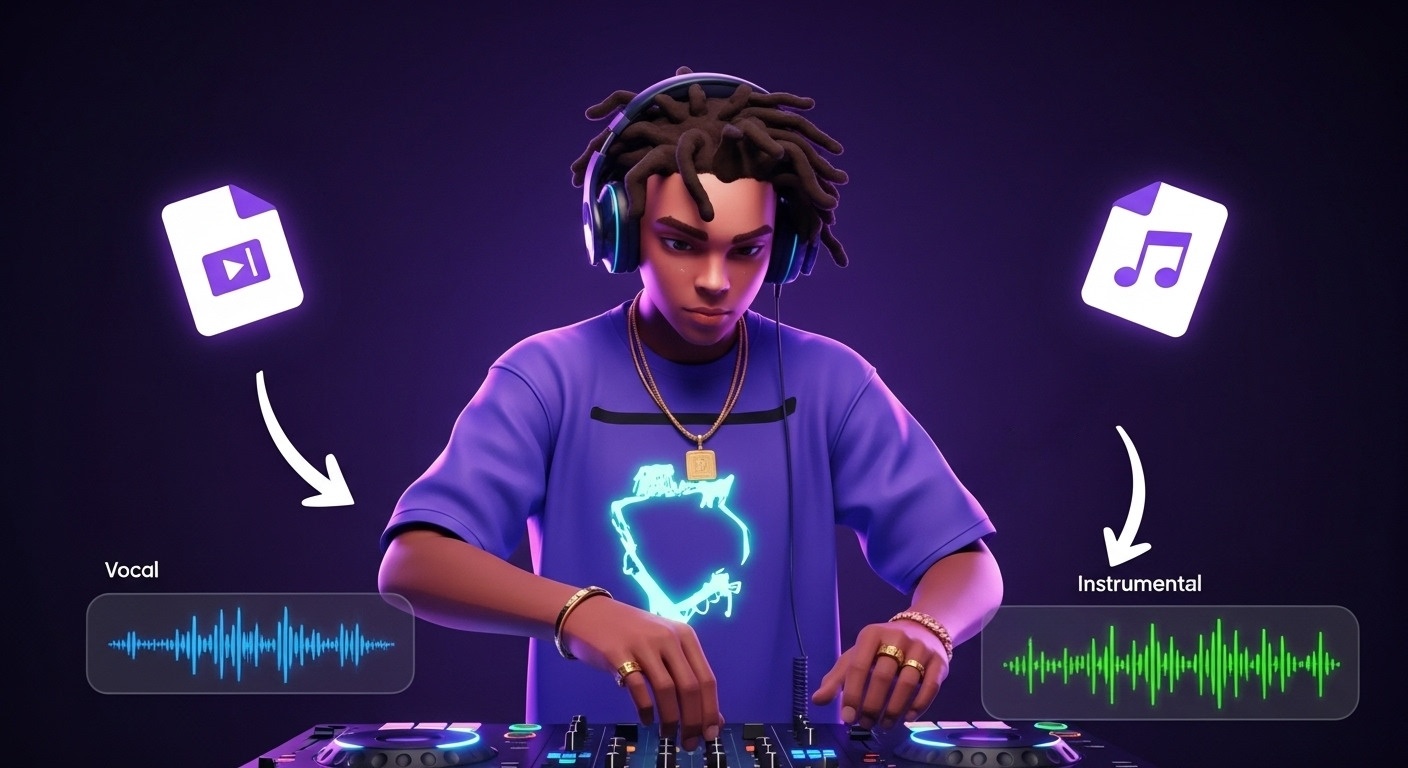

AI Audio Watermark Remover isolating voice tags from background music

What is an AI Audio Watermark Remover & Voice Tag Eraser?

An AI Audio Watermark Remover is a specialized online vocal separation tool that detects and erases spoken watermarks, producer beat tags, DJ drops, and promotional voiceovers from soundtracks and music tracks. Using deep neural networks trained on millions of audio stems, it separates voice frequencies from instrumentation, allowing you to extract a clean background score without manual frequency editing.

Can I remove producer tags without losing audio quality?

Yes! Traditional audio editing requires manually cutting frequencies in a spectrogram, which often muffles or hollows out the instrumental beat. Our AI engine uses stem separation technology to isolate spoken voice tags from the background music, preserving the basslines, percussion, synths, and harmonic clarity of your original soundtrack.

What audio formats and file sizes are supported?

We support all major audio formats including MP3, WAV, M4A, FLAC, AAC, and OGG. You can upload audio files up to 5MB in size. Whether you are working with uncompressed studio WAVs or standard MP3s, our tool automatically processes and cleans your files with zero configuration needed.

What types of audio watermarks can this tool clean?

Our AI is optimized to remove spoken promotional overlays, including stock library voice previews (such as "AudioJungle", "Envato", or "Pond5" demo watermarks for project evaluation), beat producer tags ("Purchase your track"), DJ name drops, and background speech signatures from music tracks.

Can I use clean audio for TikTok, YouTube, and Reels?

Absolutely! Video creators and editors frequently use our tool to strip distracting promotional voice overlays or social media audio tags before importing tracks into Premiere Pro, CapCut, Final Cut Pro, or DaVinci Resolve. It ensures your video soundtracks sound polished, clean, and professional.

Is this tool completely free and private to use?

Yes, ToolXOX AI Audio Watermark Remover is 100% free with no sign-ups, subscriptions, or software installations required. We prioritize your privacy: all uploaded audio files are processed in automated cloud containers and deleted immediately after your clean track is generated.