

Chibi Sticker Maker - Photo to Chibi AI

Upload Photo

Support JPEG, JPG, PNG or WEBP formats up to 10MB

Select Model

Waiting in queue...

Your request is being processed.

Status: - Queue: -

How to Make Cute Chibi Stickers from Any Photo Free Online

Want adorable anime-style stickers without drawing skills? This free chibi sticker maker converts your selfie, pet photo, or character shot into a cute chibi sticker with oversized head proportions and clean outlines. Upload your image, choose Pro or Basic, then generate and download — no account needed.

Features:
1. Free photo to chibi sticker AI
2. Pro and Basic model options
3. No sign-up required
4. Fast queue with instant download
5. Great for chats, Instagram, and sticker packs
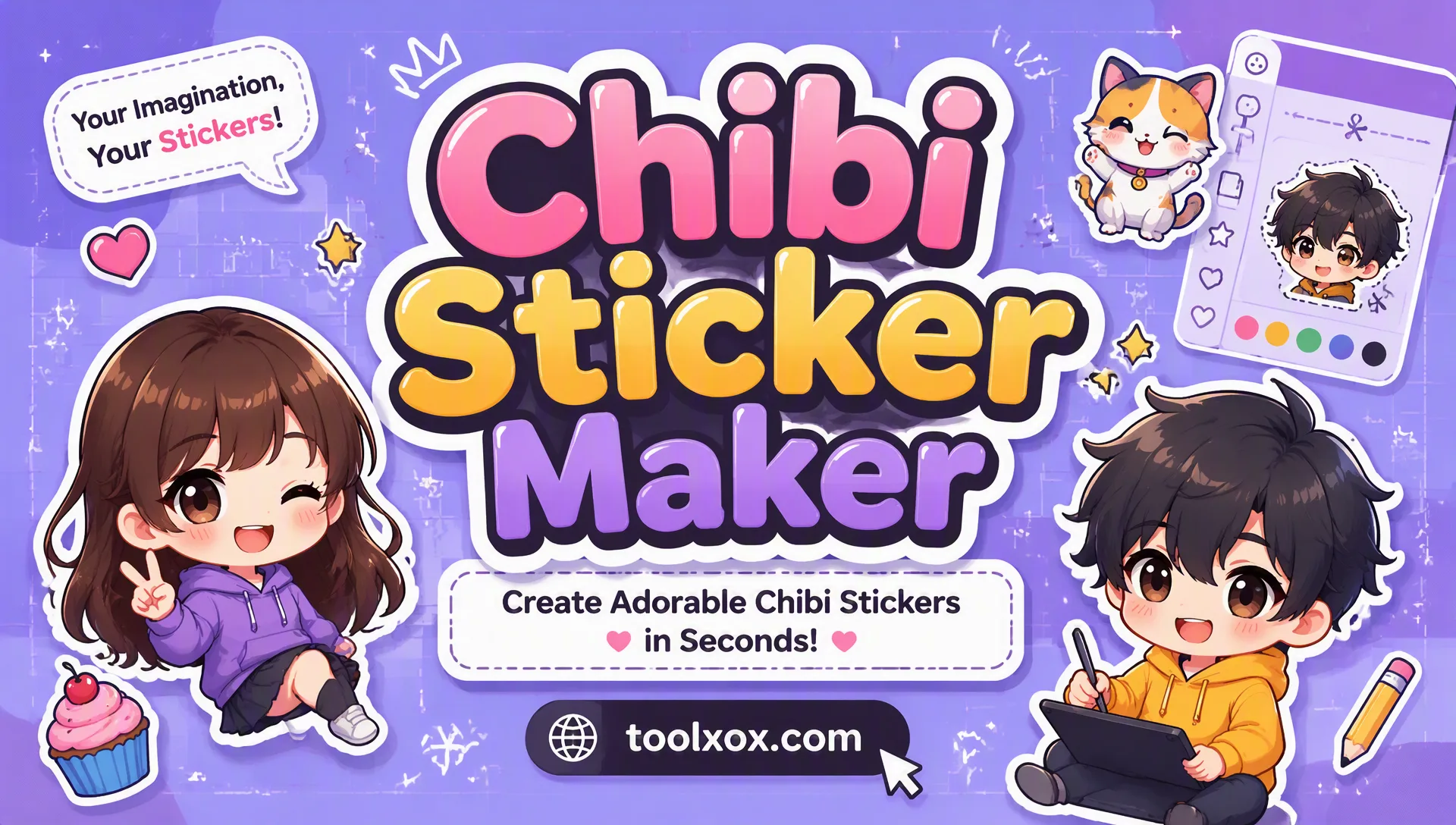
free chibi sticker maker online photo to cute anime chibi

What is a chibi sticker maker?

A chibi sticker maker turns a normal photo into a cute anime chibi character. Chibi art uses big heads and small bodies, so your face or pet becomes an expressive sticker you can share in chats and on social media.

Should I use Pro or Basic for chibi stickers?

Pro is best when you want richer detail and cleaner outlines. Basic is faster and lighter for quick tests. Try both on the same photo if you want more options.

What photo works best for chibi stickers?

Upload a clear, well-lit image with a visible face or subject. Sharp selfies and pet portraits usually create the best chibi stickers. Blurry or heavily cropped faces can reduce quality.

Is the chibi sticker maker free to use?

Yes. ToolXoX Chibi Sticker Maker is free online with no sign-up. Upload a photo, generate a 3×3 cute chibi sticker sheet, then use One-click Split to download all 9 stickers as a ZIP.

About the Chibi Sticker Maker

Convert a portrait into a cute, big-headed chibi sticker. Upload a photo (JPEG, PNG or WEBP up to 10MB), choose the Pro or Basic model and download the result for avatars, chats and gifts.

How it works

  1. Upload a clear photo.
  2. Select the Pro or Basic model.
  3. Click Generate and wait in the queue.
  4. Download your chibi sticker.

Popular uses

  • Avatars and profile pictures.
  • Chat stickers.
  • Gifts and prints.

How do I turn my photo into chibi?

Upload a portrait, run the converter and download the chibi image.

Use a clear portrait with one person and a simple background so the chibi proportions look neat.

What is the difference between the Pro and Basic models?

The Pro model gives more detailed, polished chibi artwork and usually takes longer, while Basic is quicker and good for trying the style. Test with Basic if you are unsure about the photo, then use Pro for the version you want to keep or share.