

Restore Old Photos — Free AI Photo Restoration

Upload Image (JPG, PNG, WEBP up to 5MB)

Support JPEG, PNG or WEBP formats up to 5MB

Loading

How to Restore Old & Damaged Photos Online

Want to restore old photos without a professional retoucher? ToolXoX free AI photo restoration helps repair scratches, folds, stains, and common age damage on vintage family scans so archives look cleaner while keeping the original scene.

Upload a JPG, PNG, or WEBP (up to 5 MB), complete the security check, and click Restore Photo. Ideal for genealogy albums, memorial prints, scrapbooks, and faded keepsakes.

No skills needed. No registration. 100% free AI photo repair. Super easy to use!

Features:
1. Old photo restoration for vintage scans
2. Repair scratches, folds & age wear
3. Fix damaged family & archive photos
4. No sign-up — free online, no watermark
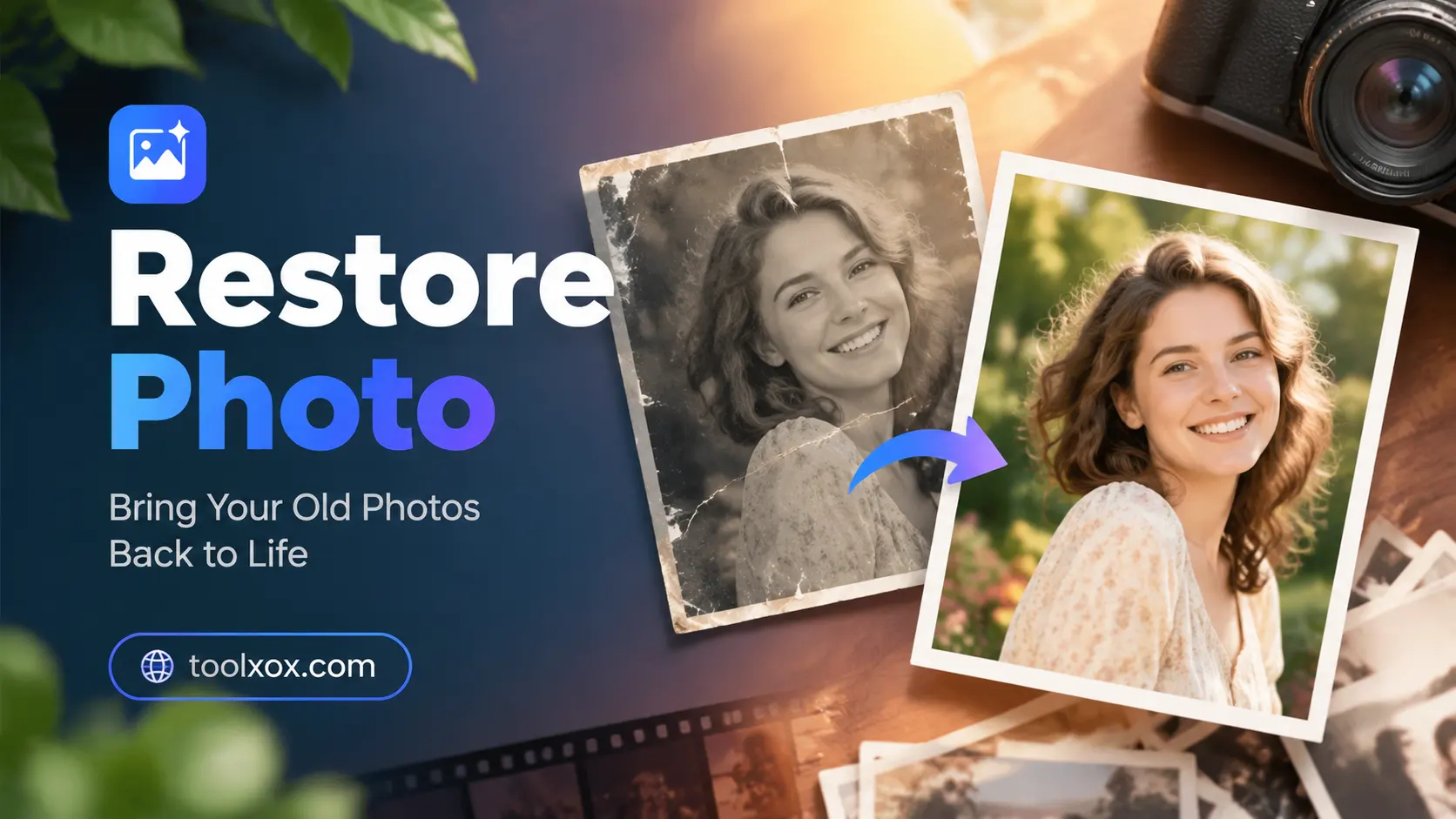

restore photo free

What is AI photo restoration?

AI restoration reduces scratches, stains, creases, and common age damage on scanned prints so family archives look cleaner. It is not a magic fix for every tear, but it is far faster than manual Photoshop cloning for everyday wear.

Who uses old photo restore tools?

Families digitizing albums, genealogists cleaning ancestor portraits, schools and museums previewing archives, and creators preparing memorial or heritage content for print and video.

What photos work best?

Flat scans of damaged prints under 5 MB work better than photos-of-photos under glare. Keep lighting even and crop empty borders so the model focuses on people and damage.

Is photo restoration free?

Yes. Free with no signup, credits, or watermark. Restore photos in your browser on desktop or mobile — nothing to install.