


AI Face Generator

Gender
Age
Ethnicity
Hair Color & Style
Props
Loading

Generating face...

Your request is being processed.

Status: - Queue: -

How to Generate a Random AI Face Online

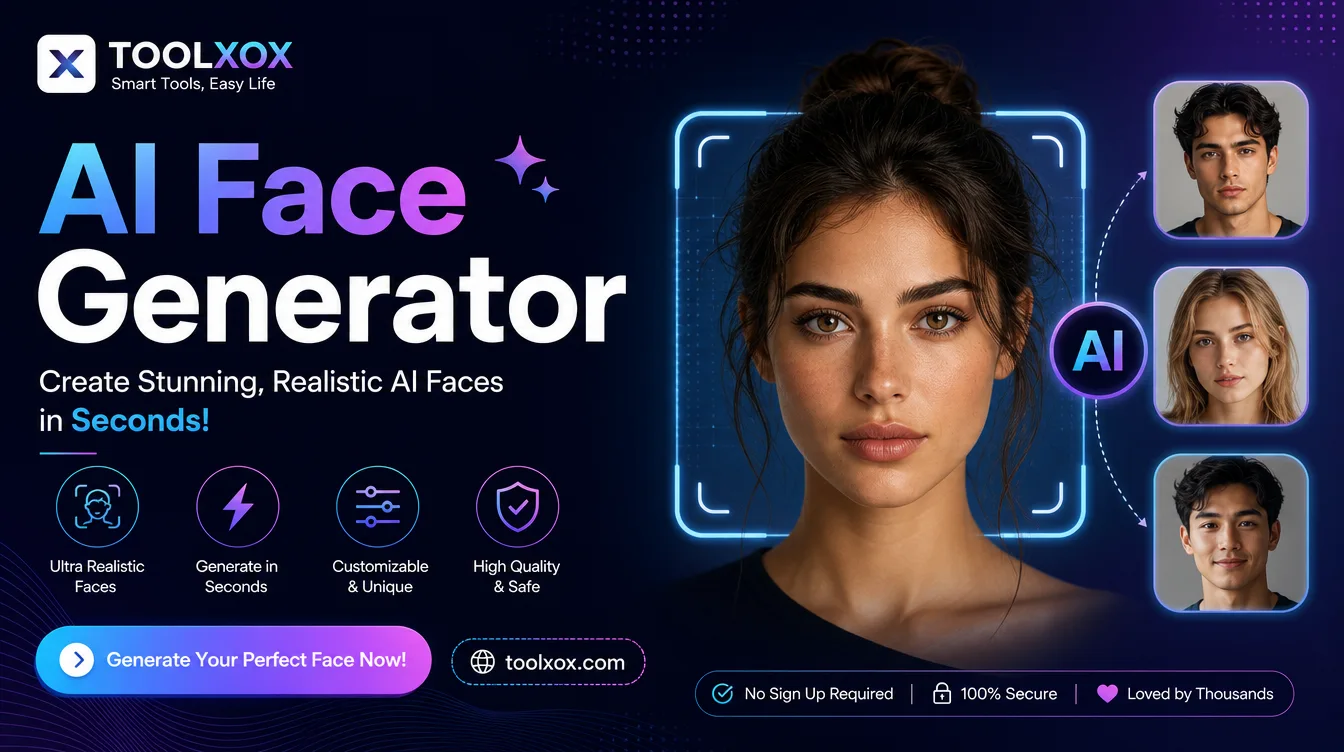
Need a random face generator for mockups, characters, or concept drafts? ToolXoX free AI face generator creates realistic synthetic studio portraits from simple attributes — gender, age, ethnicity, hair, and optional props — so you can skip stock-model licenses and watermarks.

Pick male or female, fill ethnicity (required), add age and hair if you have a brief, complete the security check, and click Generate Face. Your unique AI headshot appears in the queue panel in seconds.

No skills needed. No registration. 100% free AI portrait generator. Super easy to use!

Features:
1. Random / custom AI faces by attributes
2. Gender, age, ethnicity, hair & props controls
3. Synthetic faces — not photos of real people
4. No sign-up — free online, no watermark

ai face generator

How does an AI face generator work?

An AI face generator builds a new face from learned patterns instead of photographing someone. You set attributes such as gender, age, ethnicity, hair, and props; the model invents features that look photographic but are not a scan of an existing identity — ideal for placeholders, UX mockups, and concepts.

Are these faces of real people?

No. Faces from ToolXoX AI Face Generator are synthetic and AI-generated. They are not photographs of existing individuals and should not be presented as real people, customers, or employees.

What is a random face generator used for?

Common uses include wireframe avatars, game NPCs, ad mockups, story characters, and design drafts where you need a unique headshot without hiring a model or buying stock. Always label synthetic faces honestly when sharing publicly.

Is the AI Face Generator free?

Yes. ToolXoX AI Face Generator is 100% free with no signup, credits, or watermark. Set your attributes, verify, and download as many unique faces as you like.

About the AI Face Generator

Create realistic portraits of people who do not exist. Use them for mockups, design placeholders and creative projects.

How it works

  1. Set the options or prompt for the face.
  2. Generate the image.
  3. Review the result.
  4. Download it.

Popular uses

  • Design mockups and placeholders.
  • Character concepts.
  • Presentation and website samples.

Are these real people?

No. The faces are AI-generated and do not belong to real people.

Can I use generated faces commercially?

Check the terms shown on the page. The people do not exist, so there is no model release, but you remain responsible for how the images are used. Avoid using generated faces to impersonate real people, create fake reviews or mislead others.