

Vocal Remover - Instrumental and Acapella Maker


Drop audio here (MP3, M4A, WAV, MP4 up to 10MB)


Waiting in queue...

Your request is being processed.

Status: - Step: -

How to Remove Vocals from a Song Online

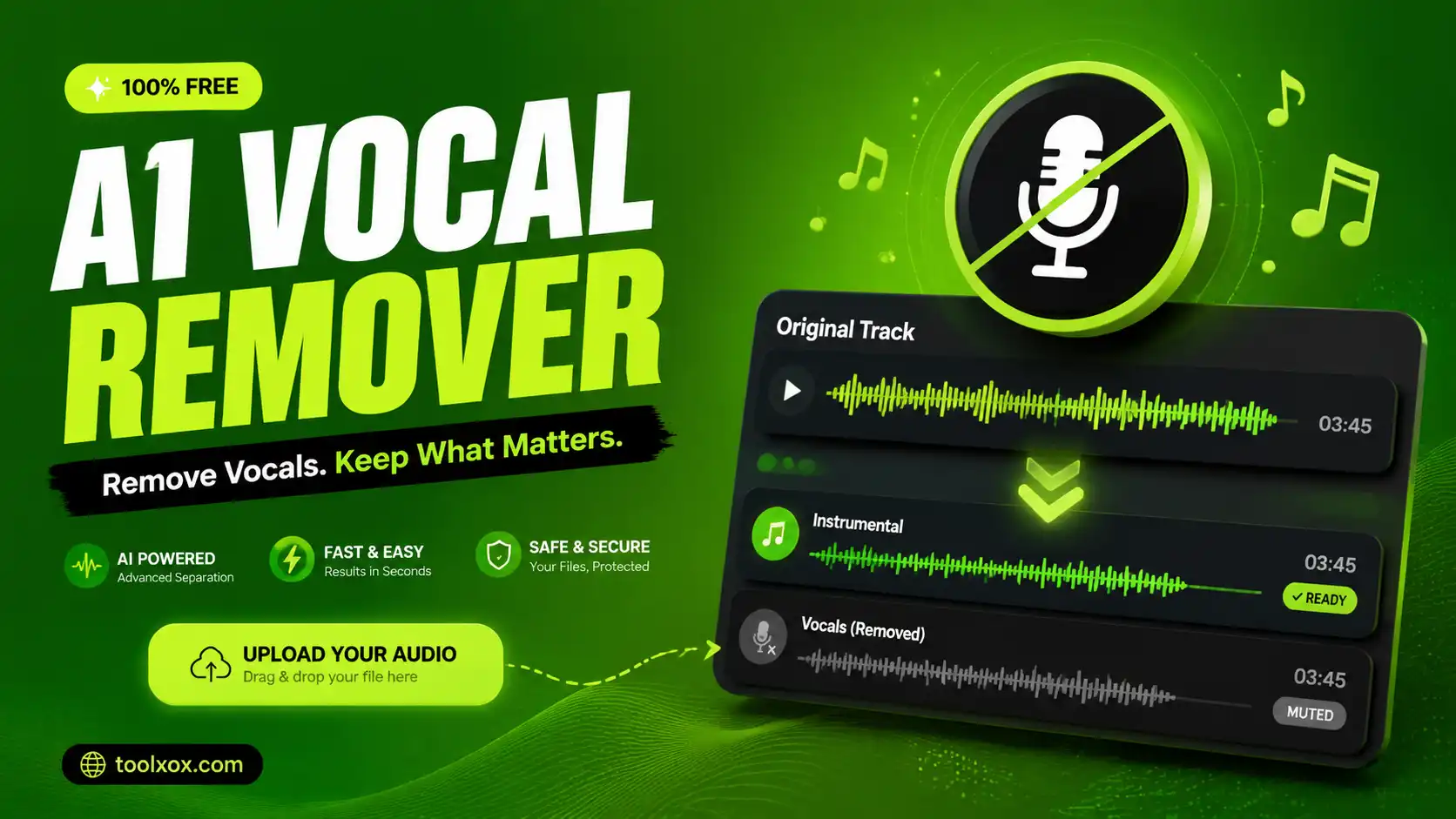
ToolXOX AI Vocal Remover uses advanced AI stem separation to split any song into a clean instrumental track and an isolated vocal (acapella) track. Perfect for karaoke, remixes, covers, podcasts, and video editing. Upload your audio, complete the captcha, and download both stems in minutes.

Features
1. Free online vocal remover with no sign-up
2. High-quality AI separation powered by professional models
3. Supports MP3, WAV, M4A, and MP4 (up to 10MB)
4. Download instrumental and vocals separately
5. Works on desktop and mobile browsers

vocal remover

What is an AI vocal remover?

An AI vocal remover separates singing voices from background music using neural networks. You get a karaoke-style instrumental and an acapella vocal track from the same upload.

Which formats are supported?

You can upload MP3, WAV, M4A, and MP4 files up to 10 MB. For video files, the audio track is extracted and processed automatically.

Is my upload private?

Files are sent securely for processing and removed from our server after the job starts. Download links are generated directly from the separation service.

How long does processing take?

Most songs are separated within 1–3 minutes depending on track length and server load. Progress is shown live on this page.

About the AI Vocal Remover

Upload a song and the AI separates the vocals from the instruments. Use the instrumental for karaoke or covers, or keep the acapella for remixes.

How it works

  1. Drop an audio file (MP3, M4A, WAV or MP4, up to 10MB).
  2. Click Separate Vocals.
  3. Wait in the queue while the stems are created.
  4. Download the vocals or instrumental track.

Popular uses

  • Make karaoke tracks.
  • Practice singing or instruments.
  • Create remixes with your own audio rights.

How do I remove vocals from a song?

Upload the file, run the vocal remover and download the instrumental track.

Use a high-quality original file such as WAV or a good MP3; low-bitrate files leave more traces of the voice in the instrumental.

Which songs can I use?

Use only music you own or have permission to edit, and respect the copyright of the songs you process.

Why can I still hear a faint voice in the instrumental?

Vocals and instruments share frequencies, so the AI cannot separate them perfectly, especially with heavy reverb, harmonies or compressed audio. A few traces are normal. Try a better quality source, or use the acapella track and your editor's equaliser to clean the result further.