

Photo to Caricature AI - Caricature Maker


Drop Files Here (Support JPG & PNG Format Only)


Waiting in queue...

Your request is being processed.

Status: - Queue: -


How to Convert Photo to Caricature Style with One Click

Our free online caricature creator will instantly convert your images into Caricature styles. Just upload your image and click our AI generator will do the rest! You can instantly create memorable and shareable content with our tool whenever you need an adorable social media portrait, a personalized birthday gift, a printable wedding poster, or a caricature illustration.

Rather than looking for a caricature artist near me, our tool will let you customize and create your perfect caricature in seconds. Boost your AI image creation productivity by 10x with our best free caricature drawing service online. Create your personalized caricature now and add a playful twist to your photos.

Features:
1. 100% free Caricature Style Filter
2. No sign-up
3. High speed
4. Unlimited creation
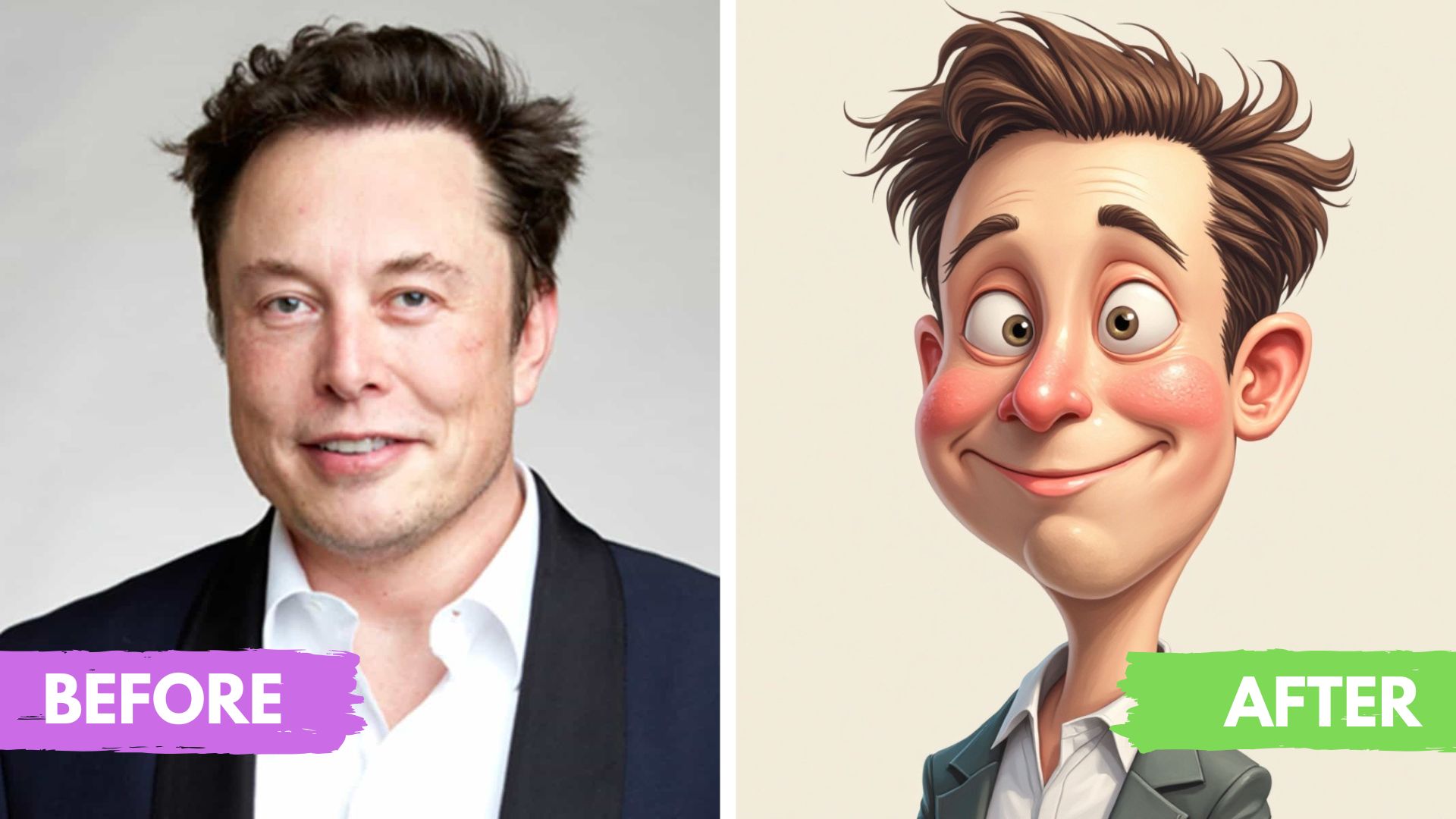

photo to caricature

What is the AI Caricature filter?

Caricatures are exaggerated, humorous drawings that indicate the distinctive characteristics of an individual by making them look silly or playful while maintaining their recognizable characteristics.

Is it possible to use the converted Caricature image commercially?

Yes, as long as you own the copyright for the original image, the generated image can be used commercially after it is converted with the AI convert image to Caricature generator. As a result, creators have the opportunity to transform their original works into unique Caricature-style visuals for marketing, merchandise, and more.

Do I need to download software to use the Caricature filter?

No, we don't require you to download any software. If you have a browser, you can use our picture to Caricature converter. It is possible to access the site through a browser on any device, including desktops and mobiles.

Is the photo to Caricature converter free to use?

It is 100% free to use ToolXOX Photo to Caricature Generator. Enjoy professional-quality results without spending a dime!

About the Photo to Caricature AI

Upload a clear portrait and the AI draws a fun caricature with exaggerated features. It is a quick way to make gifts, profile pictures and party graphics.

How it works

  1. Upload a clear portrait photo.
  2. Start the AI conversion.
  3. Wait for the caricature to be generated.
  4. Download the picture.

Popular uses

  • Funny profile pictures.
  • Birthday and wedding gifts.
  • Cartoon avatars for social media.

How do I turn a photo into a caricature?

Upload a front-facing photo and run the AI. Download the caricature when it is ready.

Use a front-facing portrait with the whole face visible; hats, sunglasses and side angles give weaker caricatures.

Which photos work best?

Well lit, front-facing portraits of one person work best.

What makes a caricature different from a cartoon?

A cartoon simplifies a face into a drawn style, while a caricature deliberately exaggerates the most recognisable features, such as a big smile, a strong chin or expressive eyes. The AI picks features that stand out in your photo, so photos with clear expressions give the funniest results.