

AI Photo Face Swap - Free, No Sign Up

Source photo (JPG, PNG, WEBP, max 20 MB) Target face (JPG, PNG, WEBP, max 20 MB)

Waiting in queue...

Uploading and processing your photos.

Status: - Queue: -


How to Face Swap a Photo Online in 3 Easy Steps

Want to swap a face in a photo for free? Our AI photo face swap tool makes it incredibly simple. Just upload a source photo and a clear face image, and our advanced AI generator will seamlessly replace the face while matching lighting, skin tone, and expression. No need to download apps or create an account. Enjoy fast rendering and high-quality results directly in your web browser.

Key Features of Our AI Photo Face Swapper:
1. Free to Use – No credit card required.
2. No Sign-Up – Swap faces instantly.
3. No Watermarks – Download clean photos.
4. Up to 20 MB – Supports larger photo uploads.
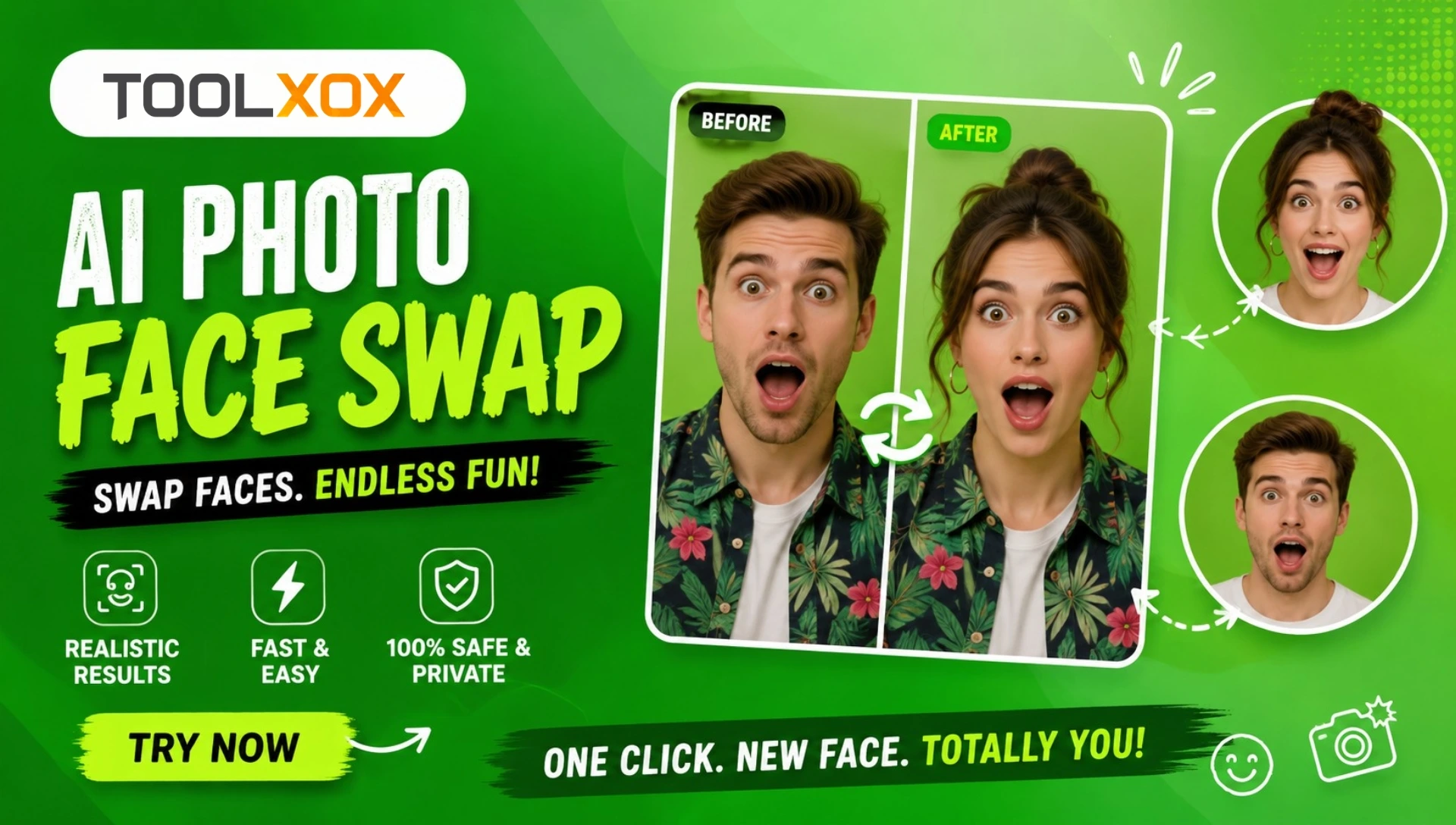

ai photo face swap online free

How to swap a face in a photo online?

To swap a face in a photo, upload your source image, upload a clear front-facing photo of the face you want to use, complete the captcha, and click Start Face Swap. Our AI analyzes facial landmarks and blends the new face naturally into the original photo.

Is this a free AI face swap alternative?

Yes! If you want an AI photo face swap online for free without watermarks or app downloads, ToolXoX is a great alternative. You do not need a mobile subscription or account login to create realistic face-swapped photos instantly.

What photos work best for face swapping?

For the most realistic results, use a high-resolution, front-facing selfie with good lighting. Avoid heavy filters, side profiles, or faces covered by hands, sunglasses, or hats so the AI can capture facial details accurately.

Is it safe to swap my face in a photo here?

Yes. We prioritize your privacy. Uploaded photos and generated results are processed temporarily on our secure queue and are not kept for long-term storage. We do not sell or reuse your personal biometric data.

Why choose our AI Photo Face Swap Maker?

Unlike tools that add watermarks, require credits, or force sign-up, ToolXoX lets you face swap photos 100% free. We support image uploads up to 20 MB and deliver high-quality results in just a few seconds.

Can I swap faces in group photos?

This page is optimized for single-face photo swaps. If your image has several people and you want to replace more than one face, use our Multiple Face Swap tool to detect and swap faces individually.

About the Photo Face Swap

ToolXoX AI Photo Face Swap replaces the face in one picture with a face from another photo and blends skin tone, light and shadows so the result looks natural. Upload both photos, start the swap and download your new picture.

The AI runs on our servers, so it works on any phone or computer without installing an app. It is free to use and you do not need to create an account.

How to Swap Faces in a Photo

  1. Upload the photo whose face you want to replace.
  2. Upload the photo with the new face.
  3. Click Start Face Swap.
  4. Download the result.

Features

  • Natural blending. Skin tone and lighting are matched automatically.
  • Fast. Results in seconds.
  • Fun and creative. Movie posters, memes and costume ideas.
  • No sign up. Use it straight away without an account or login.
  • Works everywhere. Runs online on Android, iPhone, Windows and Mac.

Tips for a Realistic Face Swap

Use two photos with a similar angle and light direction.

Faces should be clear, without sunglasses or hands in front.

Match the expression, a smiling face on a serious pose looks odd.

Swapping several faces? Use Multiple Face Swap.

Frequently Asked Questions

How do I get a realistic face swap?

Use clear, front facing photos with similar lighting and angle.

Can I swap faces in a video?

Yes, with Video Face Swap.

Is face swapping allowed?

Only use faces you have permission to use, and never create misleading content.

Is the Photo Face Swap free?

Yes. You can use it for free without signing up.

Does it work on my phone?

Yes. It works in any modern mobile or desktop browser, so there is nothing to install.