Preview - Black and White image
Color photo to B&W image
A free tool for converting a color picture to a black-and-white image. Upload your color image to this tool, preview it, and then click the Convert to black and white button. When the procedure is complete, the program will display a preview of your black and white image as well as a download button. The tool will support the picture formats jpg, png, and gif.
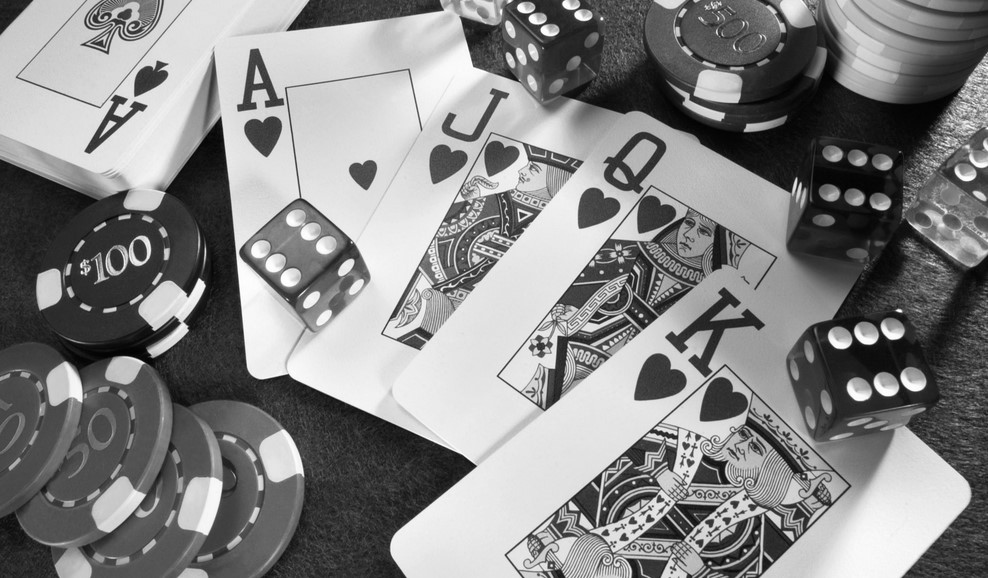
What is black and white image?
Typically, black-and-white photos are not dramatically contrasted. They create a range of gray tones by combining black and white in a continuum. Our technology also employs grayscale to create a black and white image. Please read on for more information on B&W images. Check Here
Is it free tool?
The black and white converter is absolutely free to use and is a full version with no hidden fees, no sign up required, no demo versions, and no other restrictions. You can convert an unlimited number of color photos to black and white.
Are my images are secured?
We process the image using client-side scripts, so your images are not transported anywhere other than your computer. Because the entire process takes place in a web browser, only you have access to your photos.
Any skills required?
This tool does not require any special skills to convert a color photo to a black and white image. You must upload photos into the program, then click the Convert to Black and White option to convert the image colors to black and white.
Is download option available?
Yes, you can download your black and white image with a single click. Once the image colors have been changed to B&W, the download option at the bottom of the preview container should be active. To save the converted black and white image to your device, simply click the download option.
About the Black and White Converter
Convert colour photos into black and white in a few clicks. The tool gives pictures a clean monochrome look that works for portraits, street photography, logos and printed material.
How it works
- Upload your image.
- Apply the black and white effect.
- Check the preview.
- Download your monochrome image.
Popular uses
- Dramatic portrait and street photos.
- Single-colour logos and print graphics.
- Clean images for documents and scans.
How do I make a picture black and white online?
Upload the picture, apply the black and white effect and download the new image.
Black and white works best on pictures with strong shapes and clear light and dark areas, such as portraits, architecture and street scenes.
Can I change the picture back to colour?
Your original upload stays unchanged. Just run the tool again from the original file with different settings.
What makes a good black and white photo?
Without colour, the viewer notices shape, texture and light. Pictures with strong contrast, interesting shadows, clear outlines or detailed textures work best. Busy pictures that relied on colour to separate the subject from the background can look flat, so check the preview before you download.


