

Free PDF Watermark Remover Online


Drop PDF here or choose file


How to use the AI PDF watermark remover online

AI PDF Watermark Remover makes it simple to remove unwanted watermarks, text overlays, or logos from your PDF files in just a few clicks. Inspired by modern online tools, it focuses on speed, ease of use, and clean results without complicated steps. Upload your PDF, pass the quick security check, and download your processed file instantly. No software installation or account signup is required, so you can get your work done faster from any device.

What you get:
1. Quick drag-and-drop PDF upload
2. Fast cloud-based watermark removal processing
3. No registration or login required
4. Works smoothly on mobile, tablet, and desktop
5. Supports complex PDFs including scanned and multi-page files
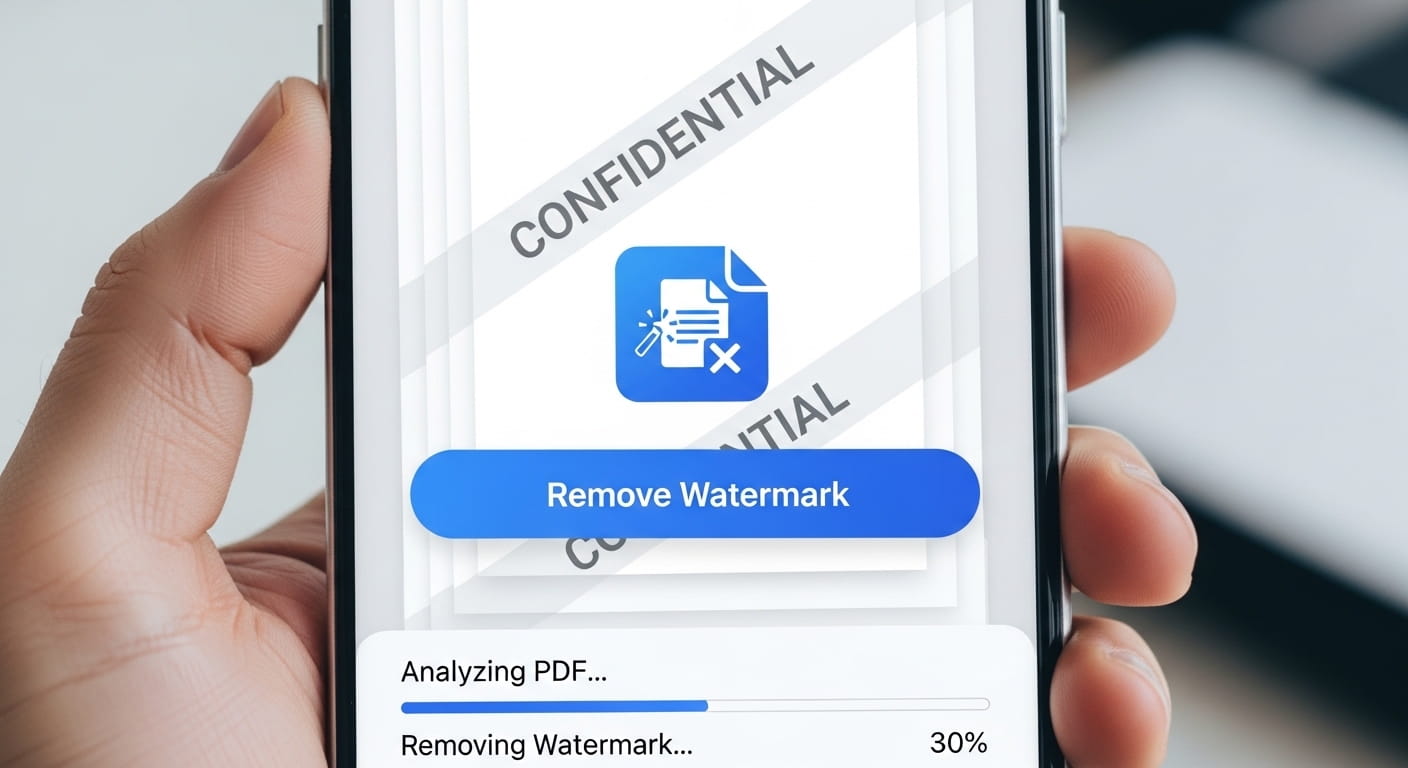

AI PDF watermark remover — remove watermarks from PDF files online instantly

How do I remove a watermark from a PDF online for free?

Upload your PDF, select or auto-detect the watermark, and download a cleaner copy. Our free online PDF watermark remover runs in the browser — no software install or account required for normal use.

Can AI remove watermarks from PDF files automatically?

Yes. AI can detect repeated text or image watermarks on many PDFs and remove or fade them. Complex embedded watermarks or rights-managed files may not be fully removable — only use documents you own or are allowed to edit.

Why can't I remove some watermarks from my PDF?

Some watermarks are baked into every page as part of the PDF structure, use encryption, or sit behind flattened layers. Scanned PDFs and heavily protected files may need manual editing or the original unmarked source.

Is this PDF watermark remover free and safe to use?

Yes. The tool is free for personal use with no sign-up. Processing runs securely in your session; we do not claim ownership of your files. Only remove watermarks from PDFs you have permission to modify.