

AI Text to Speech — Free Online Tool

0/2000


Starting text-to-speech...

Your audio is being created.

Status: - Queue: -


How to Turn Text into Natural Speech with AI — Free

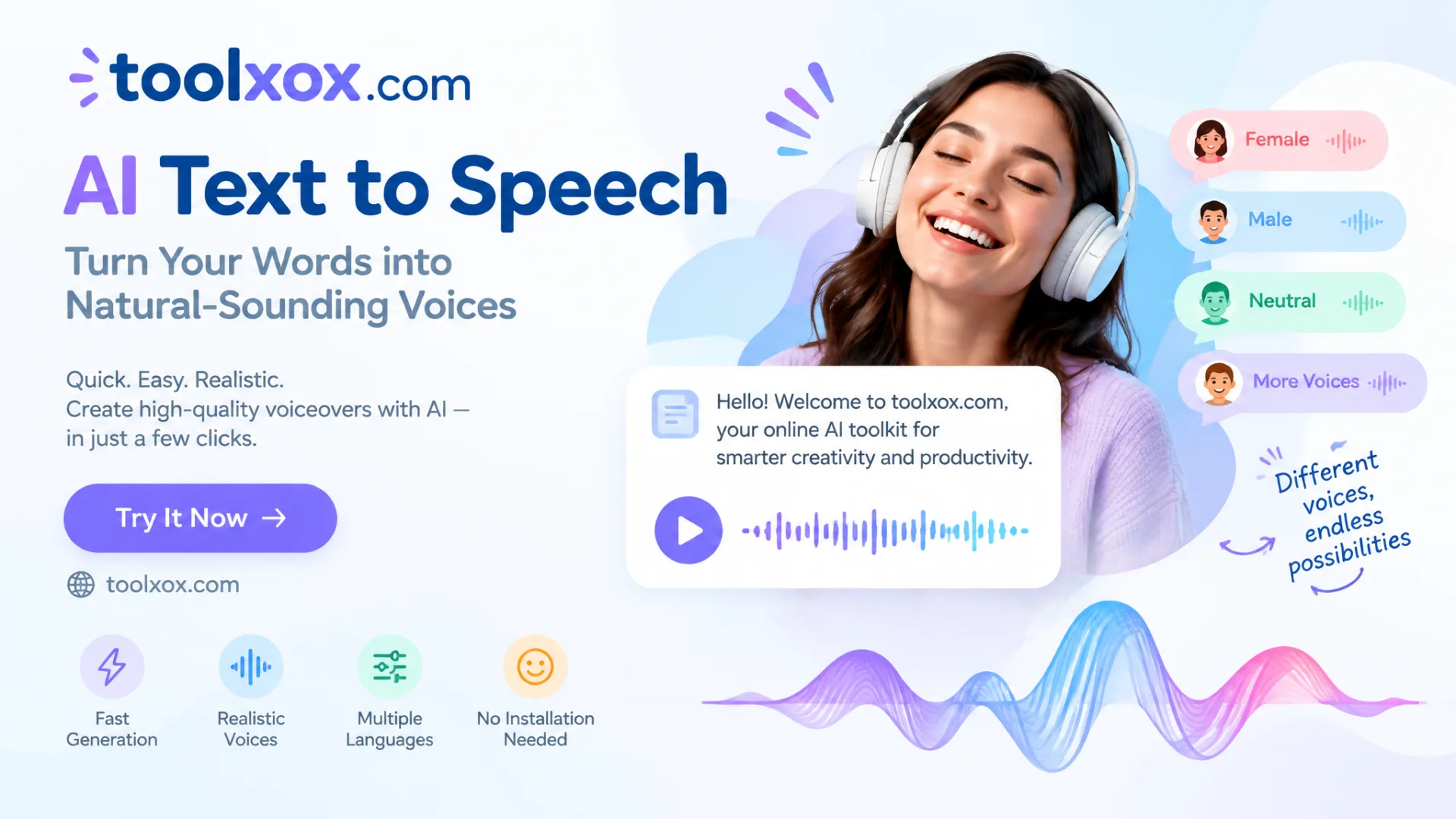
ToolXOX AI Text to Speech is a free online TTS tool that converts written scripts into clear, natural-sounding voiceovers in seconds. Pick a voice, paste your text, generate speech, and download the audio — no studio mic or editing software required.

Use it for YouTube narration, TikTok voiceovers, online courses, product demos, audiobooks drafts, language practice, and accessibility. Preview voices before you generate so the tone matches your content.

Features:
1. Free AI text to speech online
2. Natural multi-language voices
3. Voice preview before generate
4. No sign-up required
5. Fast generation & Download Audio
6. Great for video, learning & accessibility
What is AI Text to Speech?

AI Text to Speech (TTS) turns written words into spoken audio with neural voices. Instead of recording yourself, you paste a script, choose a speaker style, and download ready-to-use speech for videos, lessons, apps, and accessibility needs.

What can I use the audio for?

Download speech for YouTube intros, TikTok/Reels voiceovers, explainer videos, e-learning modules, podcast drafts, IVR prototypes, and reading assistance. Keep scripts clear and split long text into shorter generations for best quality.

Is this TTS tool free?

Yes. ToolXOX Text to Speech is free to use online with no account required. Fair daily IP limits keep the service available for everyone — generate and download audio for personal or content projects without paying.

How do I pick the right voice?

Open Choose Voice, filter by language, accent, gender, or age, then tap preview. Match energetic voices to social clips and calmer voices to tutorials or meditation scripts so the delivery fits the message.