

Reface GIF Online Free: AI GIF Face Swap Maker

Source GIF (max 20 MB) Target face (JPG, PNG, WEBP, max 20 MB)


Waiting in queue...

Uploading and processing your GIF.

Status: - Queue: -


How to Face Swap a GIF Online in 3 Easy Steps

Want to put your face on a GIF? Our free AI GIF face swapper makes it incredibly simple. Just upload an animated GIF and a clear face photo, and our advanced AI generator will seamlessly swap the face in the animation while preserving the original expression and motion. No need to download heavy apps or register an account. Enjoy unlimited creations, fast rendering, and high-quality results directly in your web browser.

Key Features of Our GIF Face Swapper:
1. Free to Use – No credit card required.
2. No Sign-Up – Swap faces instantly.
3. No Watermarks – Download clean GIFs.
4. Up to 20 MB – Supports larger GIF uploads.
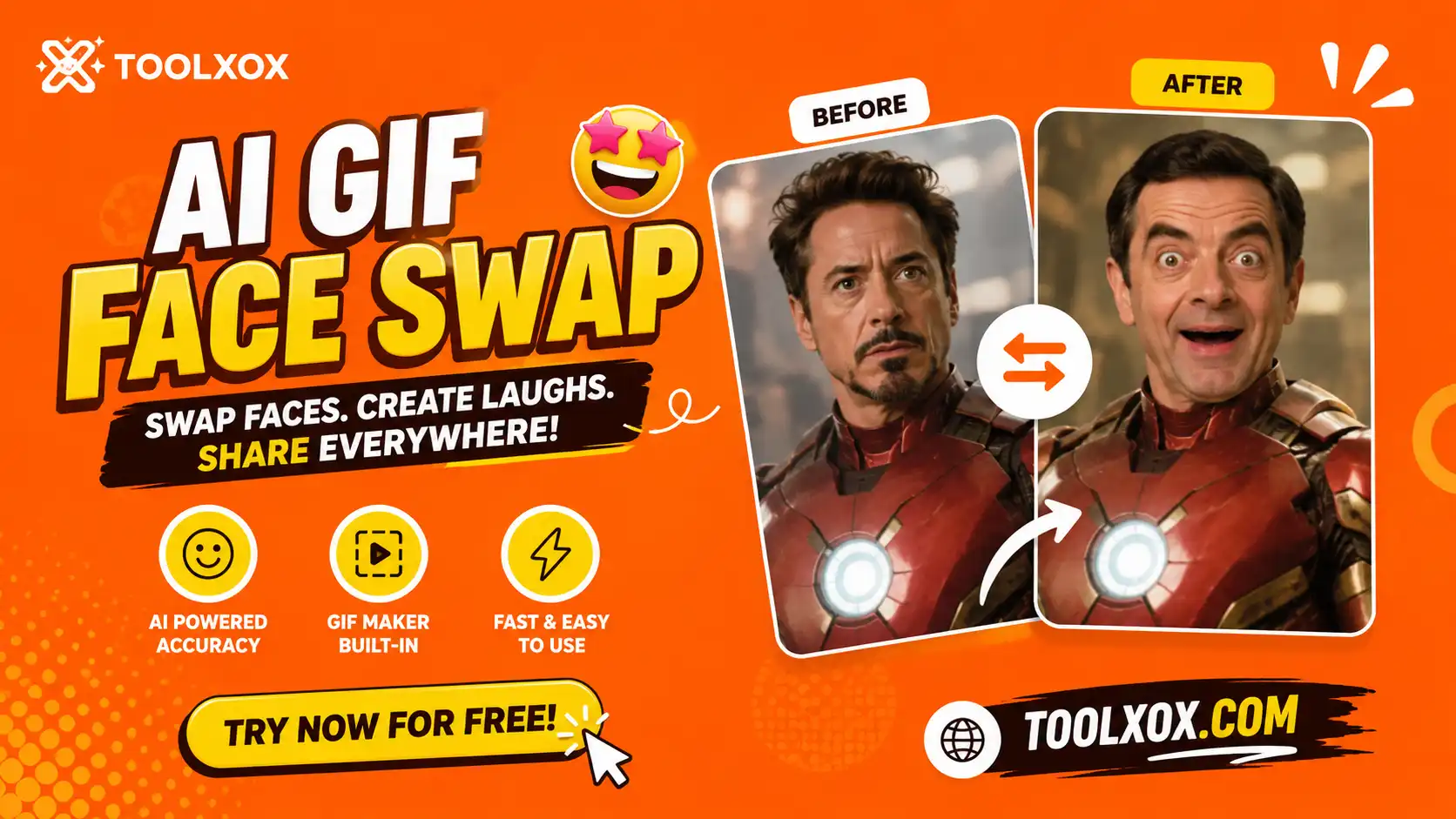

gif face swap online free

How to put a face on a GIF online?

To put a face on a GIF, simply upload your animated GIF to the source box, upload a clear front-facing photo of the face you want to use, complete the captcha, and click Start Face Swap. Our AI face swapper analyzes the facial features and overlays them seamlessly across all frames of the animation.

Is this a free Reface GIF alternative?

Yes! If you are looking to reface GIFs online for free without watermarks or app downloads, ToolXoX is the perfect alternative. You don't need a mobile app subscription or any account login to create realistic, funny face-swapped GIFs instantly.

Can I do multiple face swaps on a GIF?

Currently, our free GIF face swap maker supports replacing the single main face in animated GIFs. For complex templates featuring multiple people or multi-face swaps, we are continuously upgrading our AI models to detect and allow choosing which face to swap.

Is it safe to swap my face in a GIF here?

Absolutely. We prioritize your privacy. All uploaded photos and processed GIFs are stored temporarily on our secure server queue and automatically deleted once the task is processed. We do not save or reuse your personal biometric data.

Why choose our AI GIF Face Swap Maker?

Unlike other tools that impose watermarks, require paid credit points, or force you to sign up, ToolXoX lets you reface a GIF 100% free. We support GIF file uploads up to 20 MB and render high-resolution results in just a few seconds using high-performance AI engines.

What kind of photos work best for GIF face swapping?

For the best, most realistic results, we recommend uploading a high-resolution, front-facing selfie with good lighting and no obstacles (like glasses, hats, or hands covering the face). This allows the AI model to capture all key facial details precisely.