

Colorize Black & White Photos — Free AI Colorizer

Upload Image (JPG, PNG, WEBP up to 5MB)

Support JPEG, PNG or WEBP formats up to 5MB

Loading

How to Colorize Black and White Photos Online

Want to colorize black and white photos without Photoshop or a paid studio? ToolXoX free AI photo colorizer turns grayscale and vintage scans into natural-looking color — realistic skin tones, skies, clothing, and scenery — with no account and no watermark.

Upload a JPG, PNG, or WEBP (up to 5 MB), complete the security check, and click Colorize Image. Ideal for family portraits, genealogy scrapbooks, historical archives, and social refreshes of old prints.

No skills needed. No registration. 100% free image colorizer. Super easy to use!

Features:
1. Black and white to color in one click
2. Natural tones for faces, fabric, sky & scenery
3. Colorize old / faded / sepia family photos
4. No sign-up — free online, no watermark
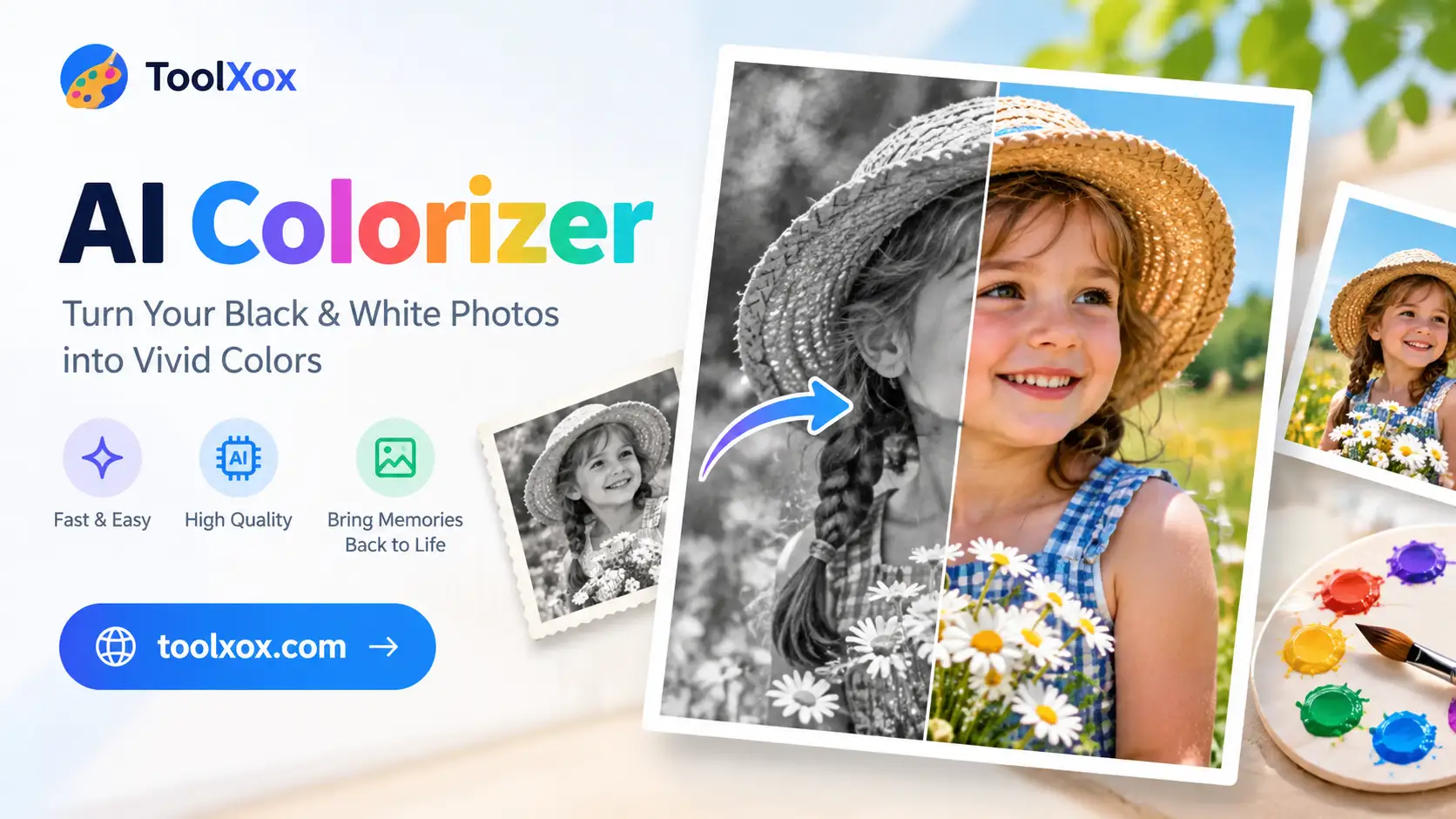

ai colorizer

What is an AI photo colorizer?

An AI photo colorizer (also called a black-and-white-to-color or image colorizer tool) predicts believable hues for faces, clothing, foliage, and backgrounds so old monochrome photos look like natural color photographs — without hours of manual brushwork.

Who uses online photo colorization?

Families and genealogists restoring grandparents’ portraits, historians previewing archives, creators refreshing vintage stills for posts, and designers adding color life to grayscale references before further edits.

How accurate are the colors?

Colors are intelligent estimates from scene context — often very convincing for portraits and outdoor shots. Exact historical fabric dyes cannot be guaranteed, but results are designed to look natural and shareable.

Is the AI colorizer free?

Yes. ToolXoX colorize photo is free with no signup, credits, or watermark. Works in any modern browser on desktop or mobile — nothing to install.