

AI Selfie Generator

Upload Photos (You + Celebrity)

1) Your photo   2) Celebrity photo — JPEG, JPG, PNG or WEBP up to 20MB

Write your prompt (NSFW Prompt not supported)

Waiting in queue...

Your request is being processed.

Status: - Queue: -

Create a Realistic Celebrity Selfie With AI

ToolXoX AI Selfie Generator blends your photo with a celebrity reference into one natural selfie-style image. Upload two clear photos, edit the prompt if you want, then generate a bright POV selfie where both people smile toward the camera — without showing the phone.

Features:
1. Free AI celebrity selfie online
2. Combine your photo + celebrity photo
3. Editable selfie prompt
4. Natural lighting and expressions
5. No sign-up required
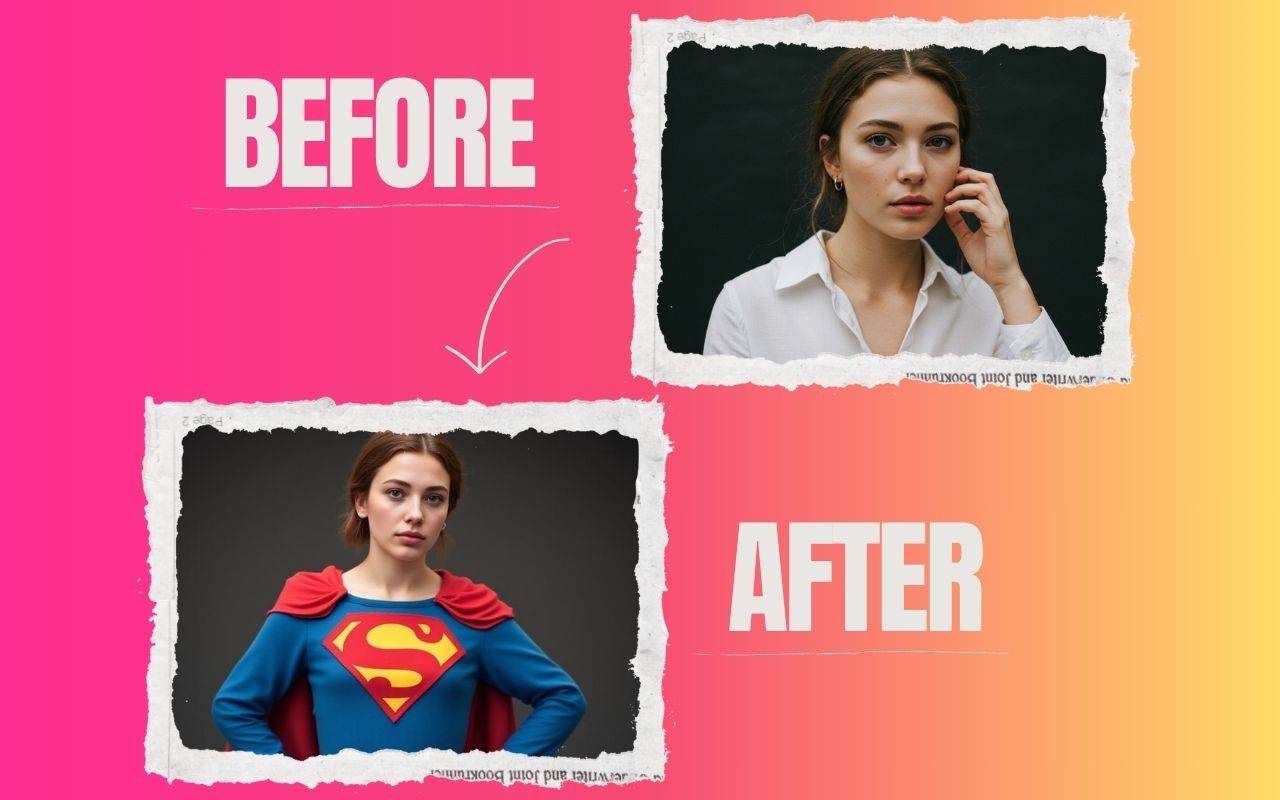

Free AI selfie generator with celebrity online

What is an AI Selfie Generator?

An AI selfie generator creates a realistic selfie-style photo from reference images and a short scene description. On ToolXoX, you upload your picture and a celebrity photo, then choose a place so the AI can place both people in one POV selfie with matching lighting and natural smiles.

How to Generate a Celebrity Selfie

1. Upload your photo and a clear celebrity photo.
2. Keep or edit the selfie prompt as needed.
3. Complete the captcha and click Generate Selfie.
4. Download the result when processing finishes.

Tips for Better AI Selfie Results

Use well-lit face photos looking toward the camera. Avoid heavy filters, tiny faces, or crowded group shots. A specific place (“Paris cafe terrace at sunset”) usually looks better than a vague location (“outside”).

Is the AI Selfie Generator Free?

Yes. This AI Selfie Generator on ToolXoX is free to use with no account required. Fair usage limits may apply. Supported formats: JPEG, JPG, PNG, and WEBP.

About the AI Selfie Generator

Generate fresh selfie-style images in different looks and settings. Upload your own photo and the AI creates new variations you can use online.

How it works

  1. Upload your photo.
  2. Choose or describe the style.
  3. Generate the selfie.
  4. Download it.

Popular uses

  • Fun profile pictures.
  • Creative social media posts.
  • Trying new looks.

How do I make an AI selfie?

Upload your photo, choose a style and generate the image.

Use a clear solo photo with your whole face visible so the generated selfies keep your features.

Why do the generated selfies look different from me?

The AI recreates your appearance from a single photo, so lighting, angle and image quality affect how close it is. Use a well-lit front-facing picture, avoid filters, and try several styles. For close likeness, a higher-quality photo makes the biggest difference.