

AI Sticker Generator


Drop Files Here (Support JPG & PNG Format Only)

Waiting in queue...

Your request is being processed.

Status: - Queue: -


How to Personalize Face Stickers from Your Photo for Social Media

If you're looking to refresh your social media profile, why not use personalized face stickers? AI stickers are created by analyzing your selfies, accurately identifying facial features, and creating expressive face stickers that make them more attractive and charming. These unique, stylish AI stickers will undoubtedly make your social media profile picture stand out on any platform. They're perfect for your Instagram profile picture.

Features:
1. 100% free AI Photo to Sticker
2. No sign-up
3. High speed
4. Unlimited creation
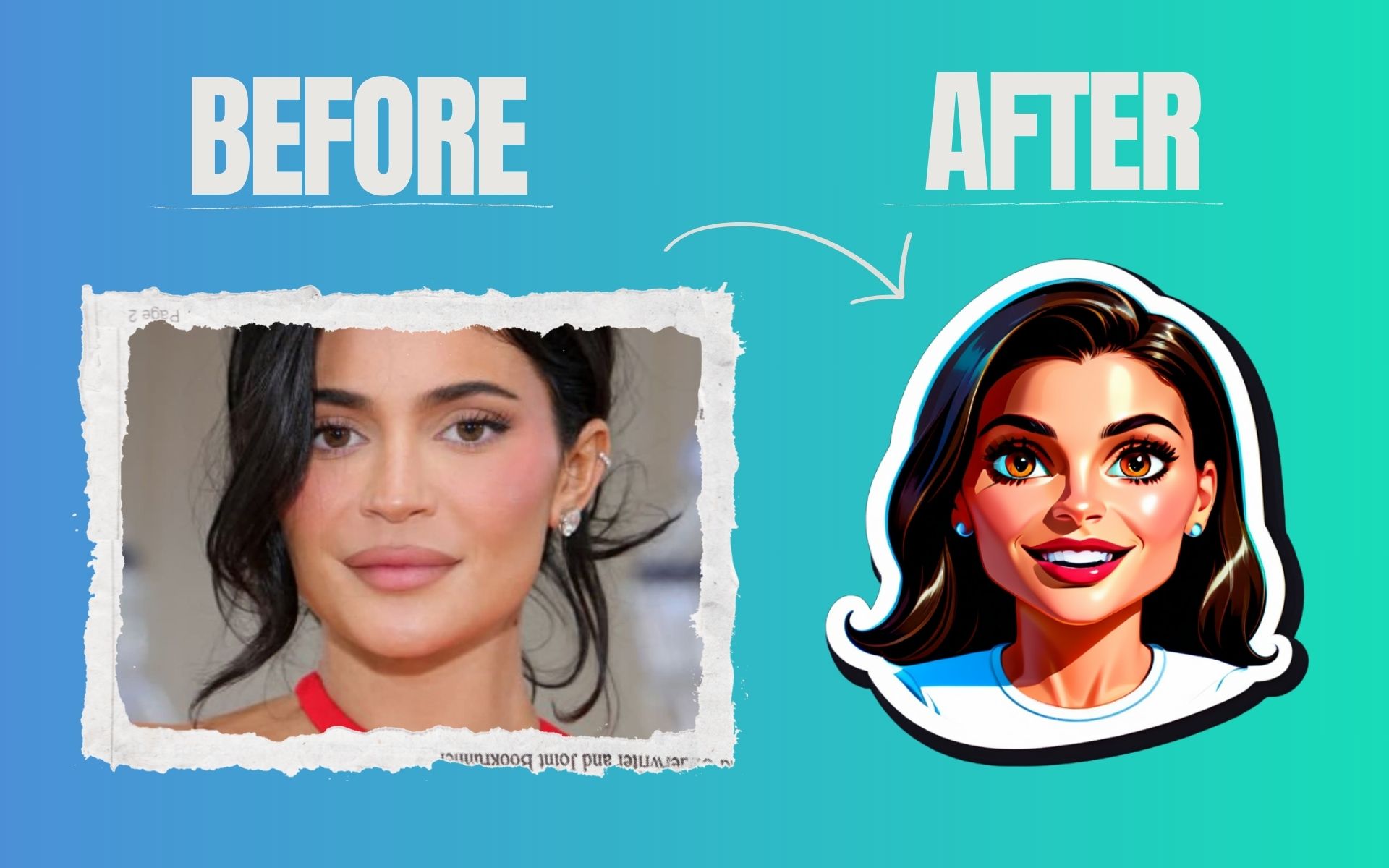

free ai sticker generator

Can you explain why AI sticker generator sometimes fails?

No worries, this issue occurs because the face in the image you uploaded is missing, and our AI sticker generator feature is unable to detect it, resulting in failure. If you would like to make sure that the face sticker works, you should upload a clear and easily recognizable face. Or, you can write prompts to describe about your sticker.

Is it possible to use the generated AI stickers for commercial marketing purposes?

ToolXOX AI sticker maker can be used commercially for marketing your own brand when using AI stickers, and there are no limitations. Your audience will be able to connect with your brand in a fresh and engaging way when you create eye-catching stickers that elevate your brand's presence on social media, packaging, and promotional materials.

Is there a limit on the number of free AI sticker maker creations?

It doesn't matter how many times you use AI sticker maker to create stickers. There is no limit to how many stickers you can create.

Is the AI sticker generator free to use?

It is 100% free to use ToolXOX AI Sticker Maker. Yes, the AI sticker generator is completely free to use, allowing you to create custom stickers without any cost.

About the AI Sticker Generator

Describe a character or scene and the AI creates a sticker-style image with a clean outline. Use it in chat apps and design projects.

How it works

  1. Describe your sticker.
  2. Generate the image.
  3. Pick the best result.
  4. Download the sticker.

Popular uses

  • Custom chat stickers.
  • Merch and print ideas.
  • Social media reactions.

How do I make a sticker with AI?

Write a prompt, generate the sticker and download it.

Describe one character or object with a simple expression; clean, bold designs read best at sticker size.

Can I use stickers on WhatsApp?

Yes. Use the ToolXoX WhatsApp Sticker Maker to prepare them for the app.

What makes a good sticker design?

Simple shapes, thick outlines, bright colours and a single clear subject work best, because stickers are viewed at a small size. Ask for a white or transparent background and a bold outline, then use the Sticker Maker tools to size it for WhatsApp, Telegram or Viber.