

Viber Sticker Maker


Drop Files Here (Support JPG & PNG Format Only)

Waiting in queue...

Your Viber sticker is being processed.

Status: - Queue: -


Build Custom Viber Stickers from Photos in Minutes

Create personalized Viber sticker pack assets from any photo. This free Viber sticker maker helps you generate transparent cutout-style stickers for chats, private packs, and creative sharing - no design skills required.

Why use this Viber sticker creator:
1. Free online Viber sticker generator with no sign-up
2. Photo-to-sticker workflow for custom packs
3. Transparent background style for clean chat overlays
4. Fast queue-based generate, preview, and download
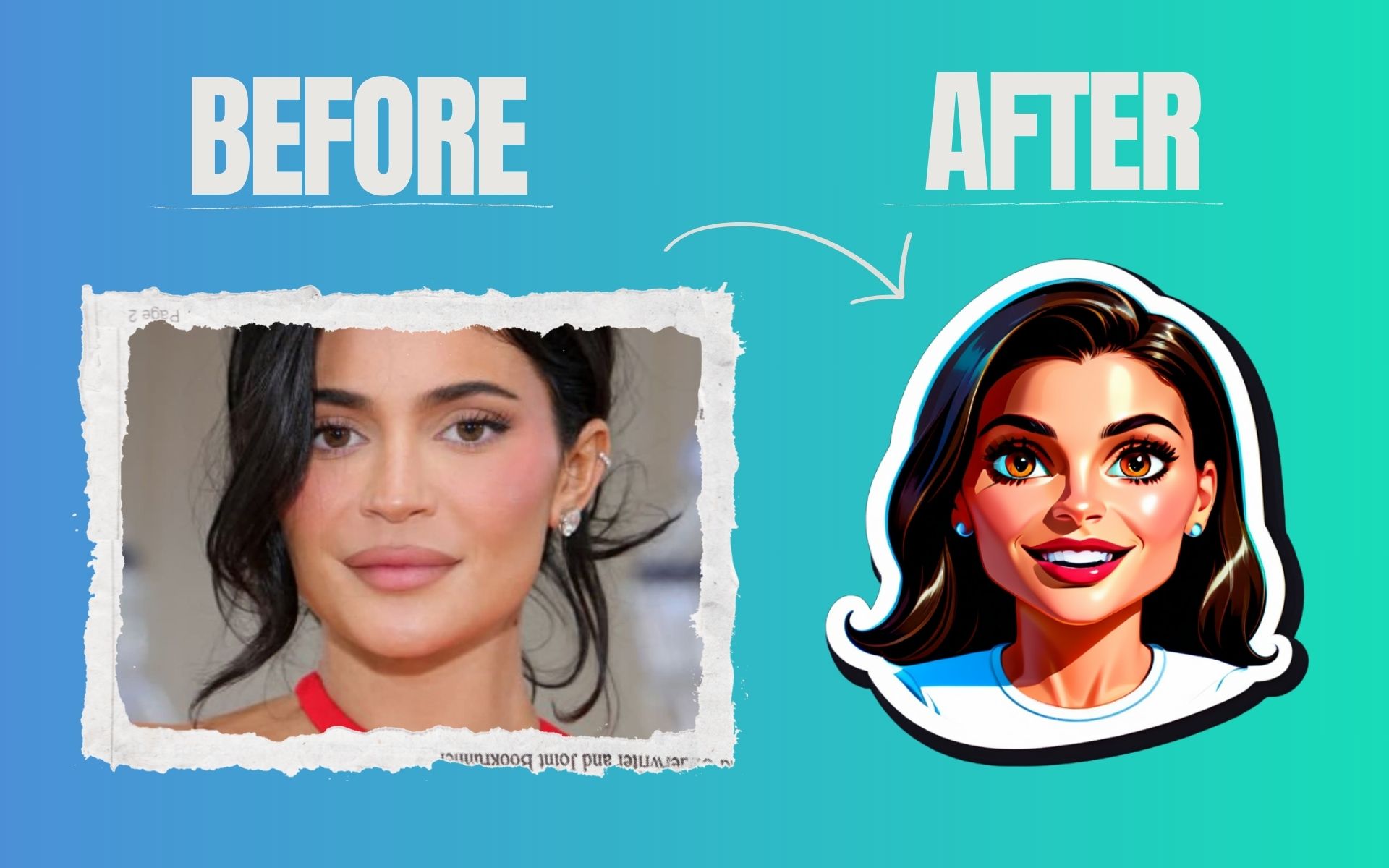

viber sticker maker online free

Why does Viber sticker generation fail on some photos?

Blurry faces, tiny subjects, or cluttered backgrounds reduce cutout quality. Upload a clear photo with good lighting and subject contrast for cleaner Viber-ready stickers.

Can I use these stickers for Viber sticker packs and marketing?

Yes. You can build visual assets for personal packs, brand chats, and promotional campaigns, then adapt them into your Viber sticker workflow.

Is there a limit on free Viber sticker creations?

You can keep generating new sticker concepts as needed. The tool is built for repeated use while you assemble custom Viber sticker pack ideas.

Is ToolXoX Viber Sticker Maker free?

Yes. This Viber sticker maker is free to use - upload your image, generate your result, and download your custom sticker asset online.

About the Viber Sticker Maker

Turn your pictures into Viber-ready stickers with correct sizing and transparent background.

How it works

  1. Upload your image.
  2. Adjust it to the sticker size.
  3. Create the sticker.
  4. Download the PNG.

Popular uses

  • Custom chat stickers.
  • Brand packs.
  • Personal photo stickers.

What size are Viber stickers?

Viber stickers are PNG images with a transparent background; this tool sizes them for you.

How do I use the stickers on Viber?

Viber custom sticker packs are created in the Viber sticker creation tools, where you upload the PNG files, set a tray icon and submit the pack. Prepare your pictures here first so they have the right size and background, then follow Viber's own instructions to publish them.