


Vibrance Range:
Sample - Vibrance adjusted image
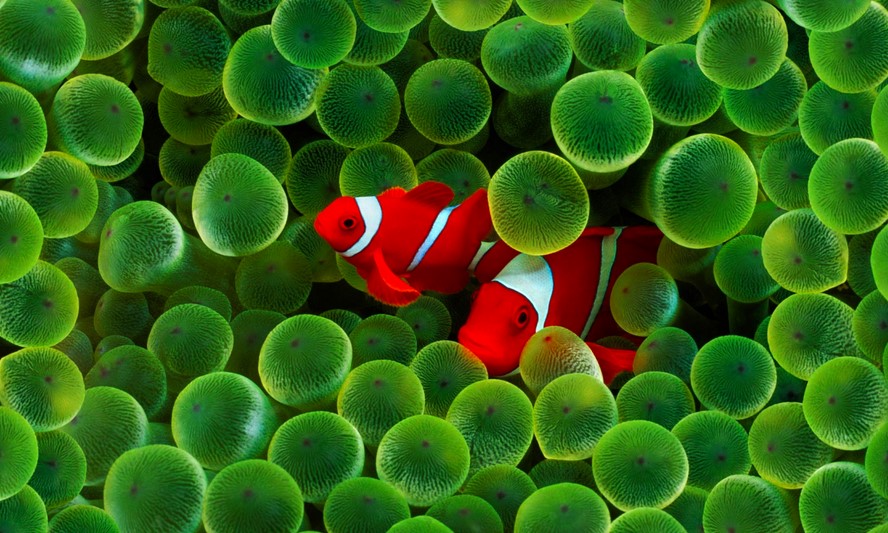
Adjust vibrance of image
Slider control allows you to modify the vibrance of an image in a few easy steps. Simply drag your image into the tool, raise or decrease the vibrance value, and then preview and download the image.
What is vibrance?
Vibrance in a picture is achieved by boosting the colours that are least saturated, while leaving the saturated colours alone. In other words, increase/decrease the perceived colour intensity of an image without overdoing portions that are already saturated.
Quick processing
Quick image processing, or "quick processing," is a Scripts are used on the client side to alter the vibrance of a picture. There should be no waiting time in the tool because your photos are not uploaded to our online servers.
Free to use
Our tool is available for free. There are no hidden fees, no registration required, no demo versions and no other limits to the full version of the software. Vibrance may be adjusted in any number of photos, without any limits on the amount of images you can modify.
Security guranteed
Client browser is utilised for the vibrance modification, and the photos used in this programme are not transported from your computer. You are the only one who has access to your photos.
Simple to use
When you use our app, you don't need to have any specific abilities to modify the vibrance of photos.
Save option
The tool that allows you to download your photos after vibrance modification is available. It allows you to upload a photo, modify its vibrance value using a slider, and then download it. To download, you may select either jpg or png format.
No limit
Vibrance may be adjusted for an unlimited number of pictures. If you want to utilise this feature, you don't even need to register. We keep the same degree of accuracy at all times, despite the fact that there are no limitations.
About the Image Vibrance Tool
Vibrance is a smarter version of saturation. It lifts the dull colours in a photo while leaving already strong colours and skin tones mostly alone, so the result looks natural.
How it works
- Upload your photo.
- Set the vibrance amount.
- Apply the effect and preview it.
- Download the final picture.
Popular uses
- Enhance portraits without orange skin.
- Bring life back to dull landscape photos.
- Quick colour polish for social media posts.
What is the difference between vibrance and saturation?
Saturation changes every colour equally. Vibrance mostly boosts muted colours, so the photo looks more natural.
Why is vibrance better than saturation for portraits?
Saturation lifts every colour by the same amount, which makes skin look orange or sunburnt. Vibrance looks at each colour and boosts mainly the dull, less saturated ones, leaving strong colours and skin tones nearly untouched. That keeps people looking natural while skies, plants and clothes gain colour.