

Free AI Lip Sync Generator Online


1. Upload face video (MP4 / MOV / WEBM · 10s–1.5 min · Max 500MB) 2. Upload audio to sync (MP3 / WAV / M4A · Max 50MB)


Waiting in queue...

Your request is being processed.

Status: - Queue: -


Sync Any Face Video to New Audio — Free in Your Browser

ToolXoX AI Lip Sync matches mouth movements to a new voice track while keeping the original performance. Upload a clear face video and an audio file (any language), then download a natural talking or singing clip — no After Effects, no plugins, and no account.

Ideal for dubbing, localization, TikTok/Reels, product demos, training videos, and avatar content. Works with real people and many AI avatars when a face is clearly visible.

Why creators use this free lip sync AI:
1. No sign-up — generate right away in the browser
2. Clean download with no watermark on free results
3. Frame-aware mouth sync for speech and singing
4. Supported video length: 10 seconds to 1.5 minutes
5. Video MP4 / MOV / WEBM up to 500MB
6. Audio MP3 / WAV / M4A up to 50MB
7. Multi-language audio supported
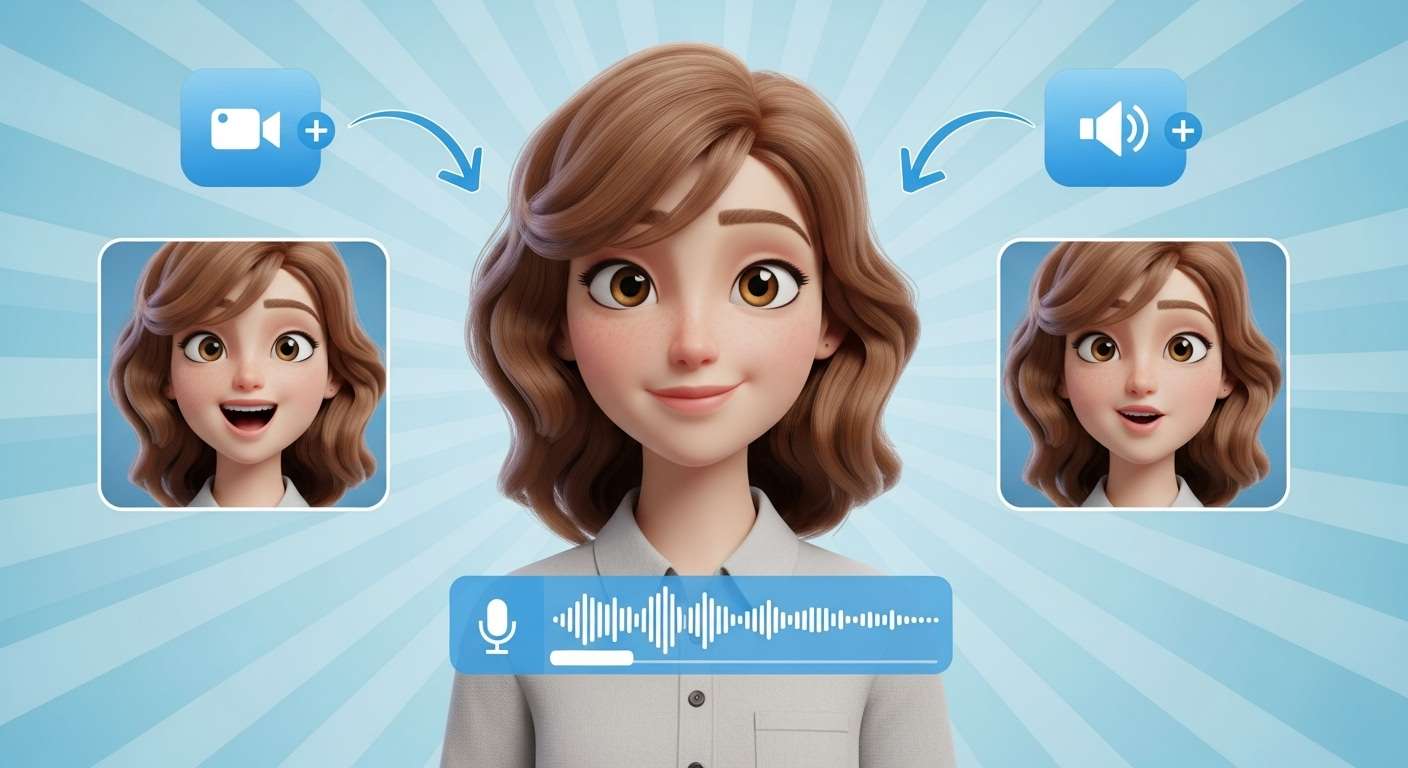

Free AI lip sync video generator online

How to Create an AI Lip Sync Video (3 Steps)

Step 1 — Upload your video. Choose a clip with a visible face (front or slight angle works best). Supported: MP4, MOV, WEBM, M4V · 10 seconds to 1.5 minutes · max 500MB.

Step 2 — Upload your audio. Add the voice, narration, or song you want the mouth to follow (MP3, WAV, or M4A). Clear speech gives the most accurate sync.

Step 3 — Generate & download. Complete the captcha, click Generate, wait a few minutes, then download your lip-synced MP4 — ready for social, ads, or courses.

What is AI lip sync?

AI lip sync automatically aligns a speaker’s mouth shapes to a new audio track. The model reads timing and phonemes in the audio, maps them onto the face in your video, and keeps body motion and expressions intact — so it looks like the person (or avatar) is really saying the new lines.

How long does free lip sync take?

Short clips often finish in a few minutes. Longer videos take more time because the AI processes mouth shapes frame by frame. Keep the face well lit and mostly front-facing for faster, cleaner results. You can leave the page open while the queue progress bar updates.

What content works best?

Social: Reels, TikTok dubs, singing challenges
Business: Localized product demos and ads
Education: Course videos with updated narration
Creators: Avatar talk tracks, memes, parody clips
Best inputs: one clear face, steady framing, and clean audio with low background noise.

Is ToolXoX lip sync free? Do I need an account?

Yes — free to use with no sign-up and no watermark on downloads. Pass the captcha, upload your face video and audio, then generate. Videos must be between 10 seconds and 1.5 minutes. Animals and some cartoons may not sync well; human faces and many AI avatars work best.

Tips for better lip sync results

Use a single clear face close to the camera, avoid heavy shadows or side profiles, and keep talking audio free of loud music or noise. Match audio length to your clip when you can — the AI syncs mouth shapes to speech timing, so clean input looks the most natural.

Which formats are supported?

Video: MP4, MOV, WEBM, M4V · 10 seconds to 1.5 minutes · up to 500MB
Audio: MP3, WAV, M4A · up to 50MB
Any spoken language works. Front-facing human faces and many AI avatars sync best; animals and flat cartoons usually do not.