

Stunning AI Filter for Your Photos — Free Online Tool

Upload Image (JPG, PNG up to 8MB)

Support JPEG or PNG formats up to 8MB

Select Filter
Anime
Loading

Applying filter...

Your request is being processed.

Status: - Queue: -

How to Apply an AI Filter with One Click

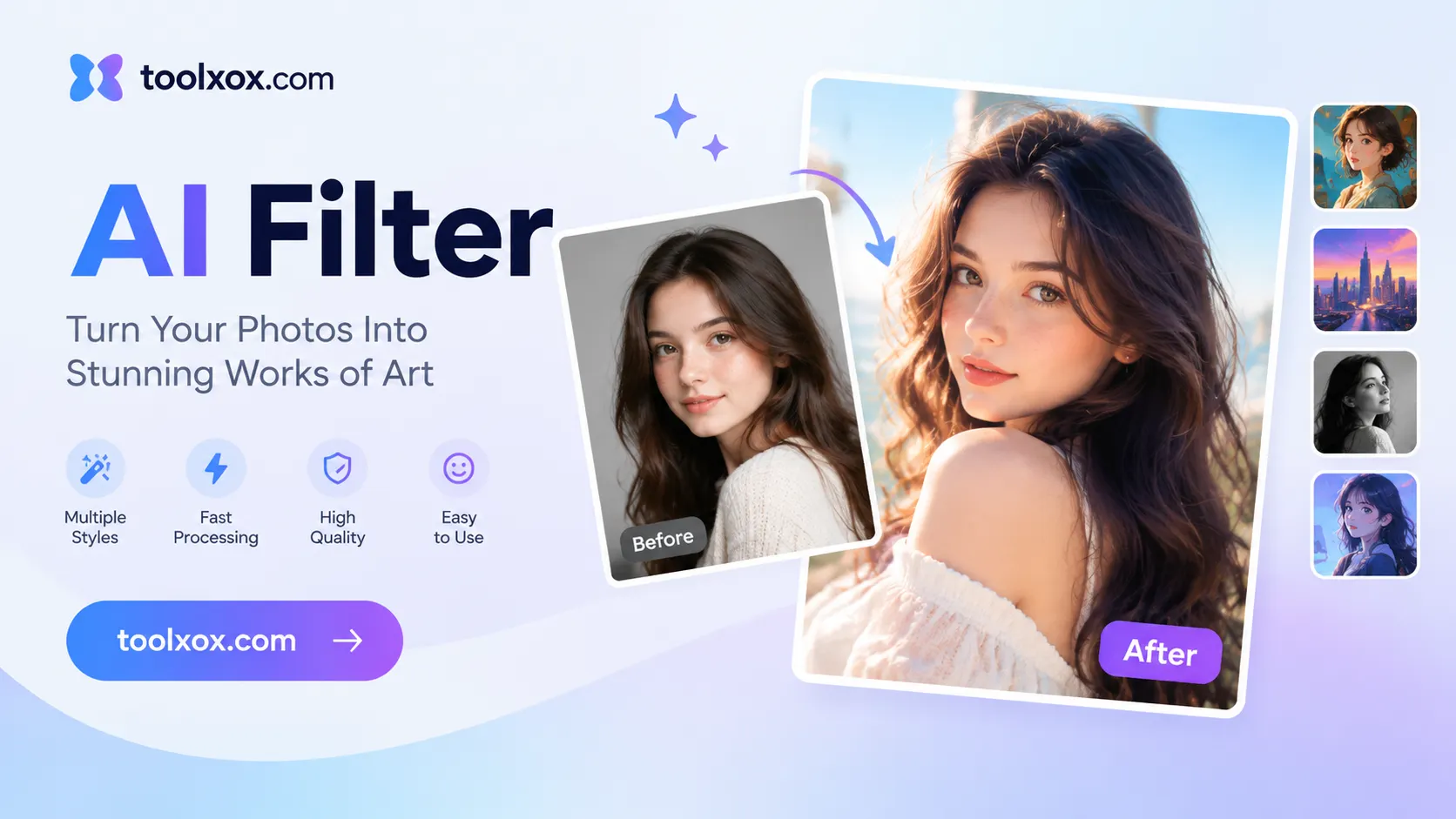
ToolXoX AI photo filter makes it easy for beginners, enthusiasts, and professionals to create extraordinary digital art online. Upload a JPG or PNG, pick a style from the list, complete the quick security check, and click Apply Filter — our AI restyles your photo into anime, cartoon, Pixar, Ghibli, watercolor, cyberpunk, pixel art, and many more looks in seconds.

No skills needed. No registration. 100% free AI photo filter. Super easy to use!

Features:
1. 30+ generative AI art filters in one tool
2. Anime, cartoon, Pixar, Ghibli, comic, watercolor & more
3. Keeps the same subject, pose, and composition
4. No sign-up — free online, JPG/PNG up to 8MB

AI filter

How does an AI filter work?

An AI filter does more than shift colors like a vintage preset. It rebuilds texture, edges, and lighting so your photo reads as a chosen art style — cel-shaded anime, soft Ghibli painting, bold comic ink, watercolor washes, pixel blocks, and more — while keeping the same person or scene recognizable.

What AI art filters does ToolXoX offer?

Choose from Anime, Clay, Comic, Color Sketch, Cyberpunk, Vector, Ghibli, Illustration, Oil Painting, Pixel Art, Pixar, Watercolor, Cartoon, Manga, Sketch, Pop Art, 3D Render, Baby Face, Old Face, Barbie Style, Zombie, GTA Style, Spider-Verse, Steampunk, Neon Glow, and more — all from one upload.

Do I need design skills to use AI filters?

No. You do not need programming or design skills. If you can upload a photo and pick a style from the dropdown, you can use ToolXoX AI Filter in your browser on desktop or mobile — no software to install.

Is the AI Filter tool free?

Yes. ToolXoX AI Filter is 100% free with no signup, credits, or watermark. Upload, pick a style, verify, and download as many looks as you like.