

AI Ad Generator - Product Ad Images

Drop a Reference Ad Template Here (Support JPG & PNG Format Only)
Enter your prompts
Aspect Ratio

Waiting in queue...

Your request is being processed.

Status: - Queue: -

How to Generate AI Ad Design for Social Media

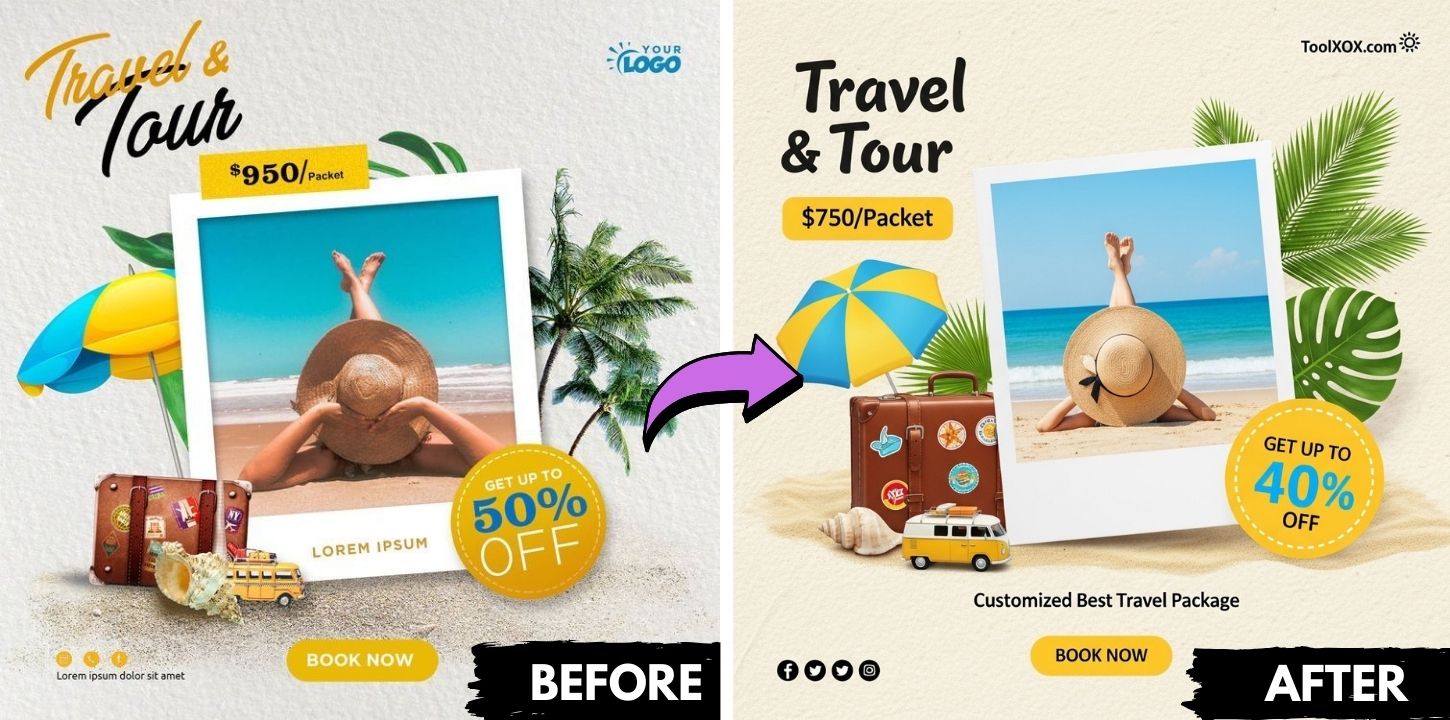
You can upload an ad template design in JPG or PNG format and click "Generate Ad Prompt." Our AI will analyze the elements and design patterns to deliver unique design styles. Simply edit the prompt to update details like contact numbers, titles, descriptions, or features. You can either edit the existing prompt to generate a new image or create a completely new one based on your expectations. It's free and unlimited, powered by Imagen 4.5.

Features:
1. 100% free AI Ad Template Design
2. High-resolution photos
3. No sign-up
4. High speed
5. No hassle, you can regenerate if you don't like it
6. No watermark
7. Customize the designs
8. Powered by Imagen 4.5

ai ad template design generator

What is an AI Ad Generator?

AI Ad Generator is a platform designed to transform JPG or PNG ad templates into unique, professional designs. By analyzing the structure and elements of your uploaded designs, it generates customized styles that can be easily edited to update details such as contact information, titles, features or descriptions and more.

How does the AI generate unique design styles?

Once you upload your ad template, the AI analyzes its elements, layout, and design patterns to generate unique, customized design styles. It adapts typography, color schemes, and visual arrangements to match your brand identity while ensuring variety. The system also suggests alternative layouts, creative enhancements, and optimized versions tailored for different platforms, giving you multiple options to maximize engagement and impact.

What file formats are supported for uploading ad templates?

You can upload ad templates in JPG or PNG format.

Is this AI Social Media Ad Design Generator free to use?

Yes, the service is completely free and offers unlimited usage, powered by Imagen 4.5.

About the AI Ad Generator

Turn a product photo into attractive advertising visuals. Describe the scene or style and the AI creates ad-ready images for shops and social media.

How it works

  1. Drop a reference ad template (JPG or PNG).
  2. Enter your prompt describing the new ad.
  3. Choose the aspect ratio (square, portrait, landscape, mobile) and generate.
  4. Download the ad image.

Popular uses

  • E-commerce listings.
  • Social media promotions.
  • Quick A/B creative tests.

How do I create an ad with AI?

Upload your product, describe the look you want and generate the image.

Pick a reference ad whose layout you like; the AI follows its structure and replaces the content with your prompt.

What makes a good ad prompt?

Mention the product, the audience, the main benefit and the mood, then the colours or style. Add the headline text you would like if you want one in the image. Generate a few variants in different aspect ratios for feed posts, stories and banners.