Recraft AI Image Generator - Free Recraft V4 Online


Write your prompt (NSFW Prompt not supported)
Aspect Ratio

Waiting in queue...

Your request is being processed.

Status: - Queue: -

How to Create Images with the Recraft Image Generator

Generate posters, illustrations, logos and product visuals with Recraft V4 on ToolXoX. Write a prompt, pick an aspect ratio and click Generate. Switch to Image to Image to restyle or edit a photo you upload. No sign-up needed.

Features:
1. Text to Image with Recraft V4
2. Image to Image editing from a reference photo
3. 12 aspect ratios, from 1:1 to 16:9 and 2:1
4. Live queue progress while generating
5. Free JPG download without a watermark
recraft image generator online free

What is Recraft V4?

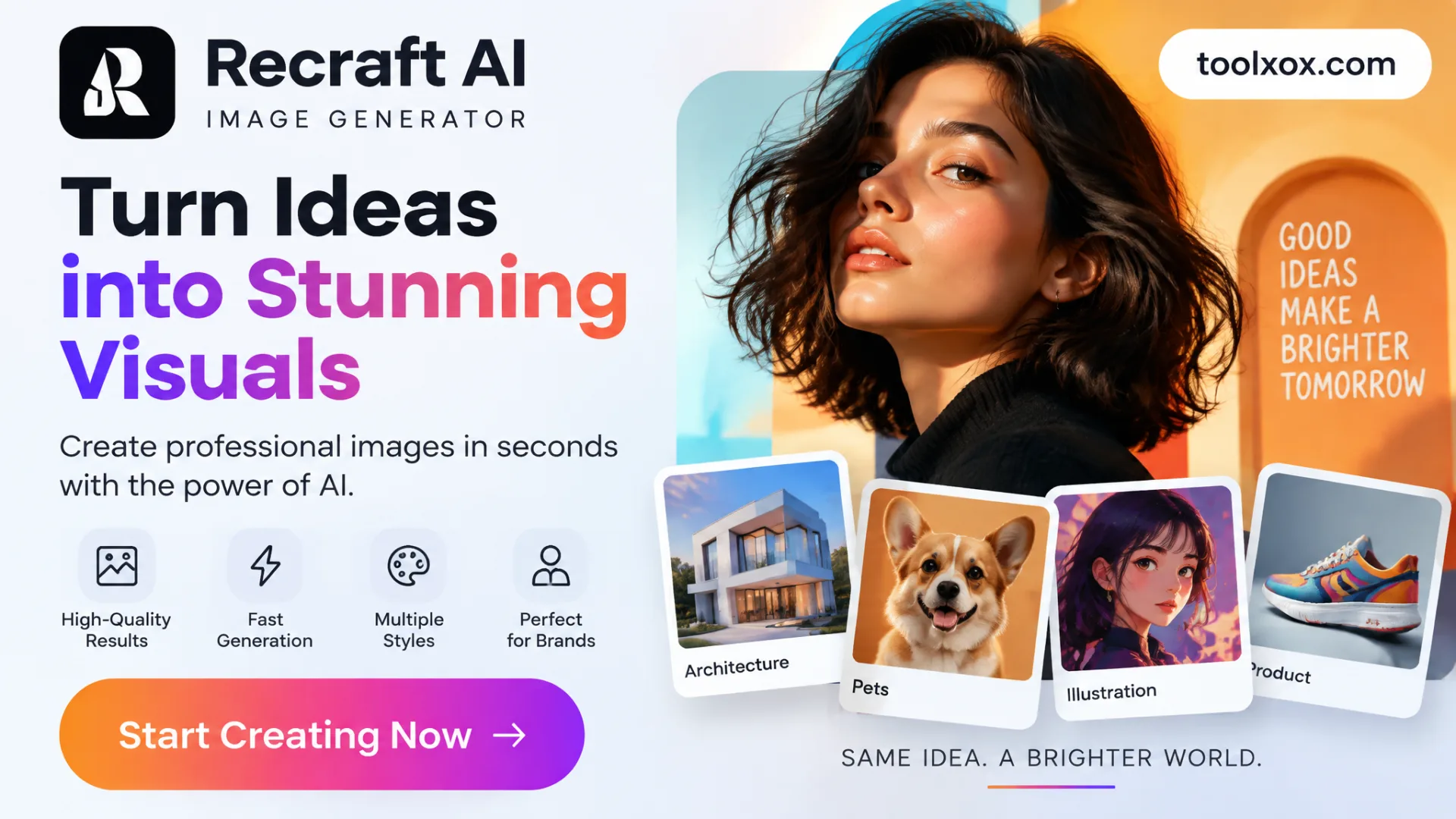
Recraft V4 is an AI image model known for clean design work: flat vector-style illustrations, posters, icons, brand graphics and readable text inside images. ToolXoX lets you use it free in your browser.

How does the Recraft Image Generator work?

In Text to Image mode your prompt is sent to Recraft V4, which draws a brand-new picture. In Image to Image mode you upload a photo and describe the change, and our image editing model applies it while keeping the main subject.

Can I upload my own image?

Yes. Choose Image to Image and upload one JPG, PNG or WEBP file up to 10 MB, then describe the edit, for example "turn it into a winter night scene" or "make it a flat vector poster".

Is the Recraft Image Generator free?

Yes. It is free to use with no sign-up. A fair-use limit per hour keeps it fast for everyone, and you can download every image as a JPG without a watermark.

About the Recraft AI Image Generator

The ToolXoX Recraft AI image generator gives you free access to Recraft V4, an image model built for design work. Type what you want to see and it creates clean, well-composed pictures: flat vector-style illustrations, posters, icons, brand graphics, product mockups and photoreal scenes.

There are two modes. Text to Image sends your prompt to Recraft V4 and draws a brand-new image. Image to Image lets you upload a photo and describe a change, such as a new background, season or art style. Everything runs on our servers, so it works on any phone or computer without an app or an account.

How to Use the Recraft Image Generator

  1. Choose Text to Image to create a new picture, or Image to Image to edit a photo.
  2. In Image to Image mode, upload one JPG, PNG or WEBP image up to 10MB.
  3. Write your prompt. Describe the subject, style, colors and layout, for example "flat vector poster of a red fox in a winter forest, limited palette".
  4. Pick an aspect ratio: 1:1 for social posts, 4:5 for Instagram, 16:9 or 2:1 for banners, 9:16 for stories and phone wallpapers.
  5. Complete the captcha and click Generate. Your image usually appears in a few seconds.
  6. Click Download Photo to save the result as a JPG.

Recraft Image Generator Features

  • Recraft V4 model. Text to Image runs on Recraft V4, released in 2026 and known for strong composition, clean shapes and design-ready output.
  • Vector-style and flat illustrations. Ask for flat vector art, line art, isometric scenes or minimal posters and get crisp, graphic results.
  • Image to Image editing. Upload a photo and change the scene, lighting, season or style while the main subject stays recognisable.
  • 12 aspect ratios. Auto, 1:1, 4:3, 3:4, 3:2, 2:3, 16:9, 9:16, 4:5, 5:4, 2:1 and 1:2 for posts, banners, prints and wallpapers.
  • Fast generation. Most Recraft V4 images are ready in seconds, with live queue progress while you wait.
  • Free, no sign-up. No account, no credits to buy and no watermark on the downloaded JPG. A fair-use limit keeps it fast for everyone.

What Can You Make With Recraft AI?

Recraft V4 is especially good at graphic design tasks. Popular uses include posters and flyers, blog and YouTube thumbnails, logo and icon ideas, sticker and t-shirt designs, children's book illustrations, product and packaging mockups, website hero images and social media posts.

It also handles photoreal scenes, food and product photography styles, 3D-looking renders and cinematic landscapes, so one tool covers both design graphics and realistic pictures.

Recraft Prompt Tips

Start with the format and style, then the subject: "flat vector illustration of...", "minimal poster of...", "isometric 3D icon of...". Add a color palette ("navy and orange, limited palette"), the background ("plain cream background") and the composition ("centered, lots of empty space").

For text inside the image, put the exact words in quotes and keep them short, such as a title of two or three words. For Image to Image, describe only what should change and mention what to keep, for example "keep the fox, make it a snowy night with stars".

Recraft Image Generator on ToolXoX vs Other Options

Recraft's own website includes Recraft V4 on its free plan but needs an account, and many third-party sites limit free users to a few credits or quietly use a lighter model. ToolXoX keeps it simple:

FeatureToolXoX Recraft GeneratorTypical credit-based sites
Sign-upNot neededUsually required
Text to Image modelRecraft V4Sometimes a lighter model on free plans
Image to ImageYesOften paid only
WatermarkNoneSometimes on free images
PriceFreeCredits or subscription

Frequently Asked Questions

What is Recraft AI?

Recraft is an AI image company whose models focus on design: illustrations, vector-style art, icons, posters and brand graphics. Recraft V4 is its 2026 image model.

Is the Recraft image generator free?

Yes. You can generate and download images on ToolXoX for free without creating an account. A fair-use limit per hour keeps the tool fast for everyone.

Which model is used?

Text to Image uses Recraft V4. Image to Image uses our image editing model so you can change a photo you upload with a prompt.

Can Recraft make vector images?

Recraft V4 creates flat, vector-style illustrations that look like vector art. The download is a JPG image, so use a vectorizer if you need an editable SVG file.

Can I use my own image?

Yes. Switch to Image to Image, upload one JPG, PNG or WEBP file up to 10MB and describe the change you want.

Which aspect ratios are supported?

Text to Image supports Auto, 1:1, 4:3, 3:4, 3:2, 2:3, 16:9, 9:16, 4:5, 5:4, 2:1 and 1:2. Image to Image supports Auto, 1:1, 3:2, 2:3, 9:16, 16:9, 3:4 and 4:3.

Does it add a watermark?

No. Images download as JPG without a ToolXoX watermark.

What prompts are not allowed?

Explicit, violent or hateful content and images that impersonate real people are not supported. Only upload photos you own or have permission to use.