Support JPEG, JPG, PNG or WEBP formats up to 8MB
Waiting in queue...
Your request is being processed.
How to Edit Images with the Qwen Image Generator
Edit any photo with the latest Qwen-Image-2.1 on ToolXoX. Upload an image, describe the change in plain words and click Generate. Qwen keeps your subject and changes only what you ask for. Use Text to Image to create a new picture from a prompt with Qwen Image 2. No sign-up needed.
Features:
1. Image to Image editing with Qwen-Image-2.1 (latest)
2. Change backgrounds, clothes, colors, weather and style
3. Text to Image with Qwen Image 2
4. Live queue progress while generating
5. Free JPG download without a watermark
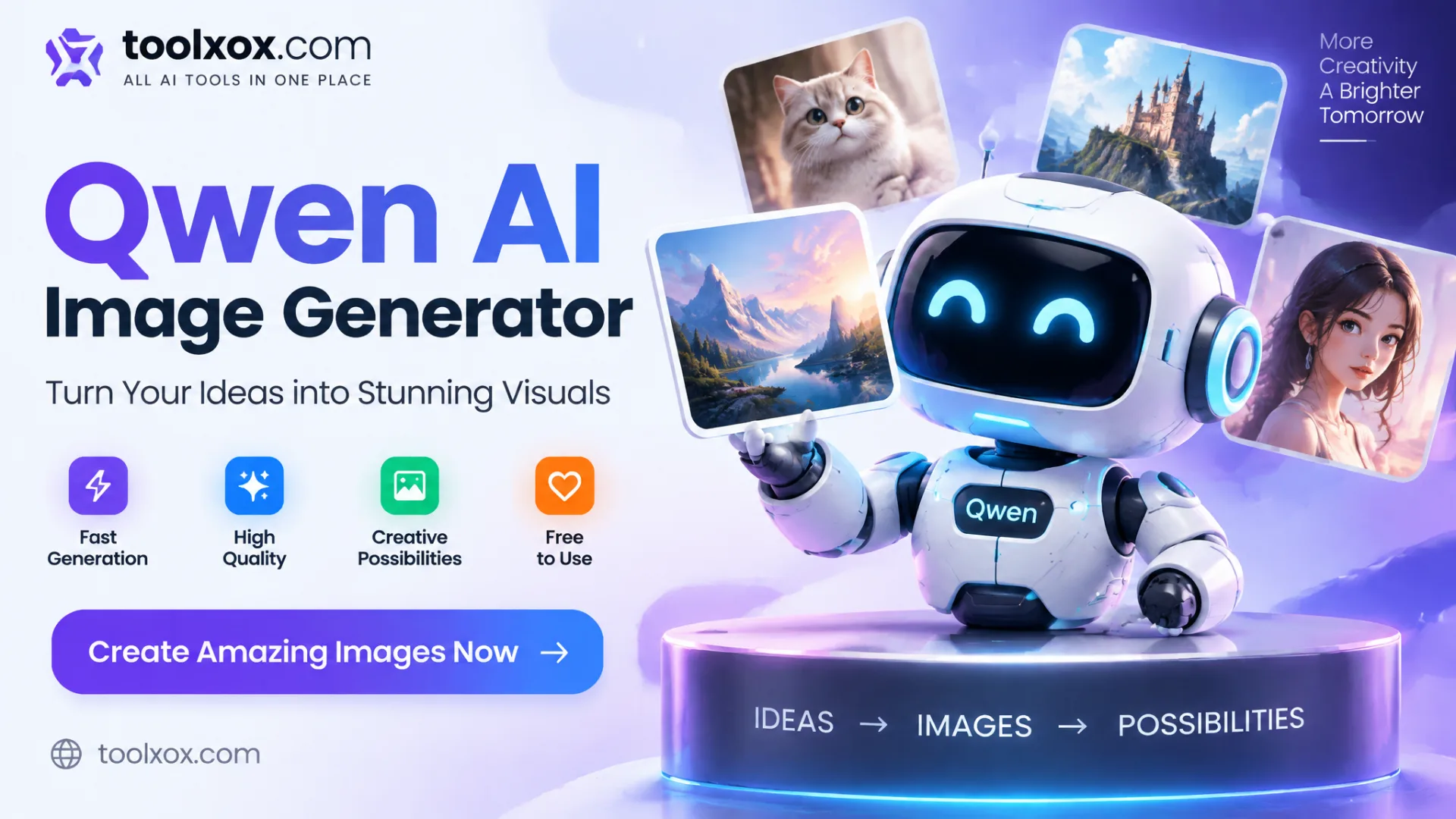
What is Qwen-Image-2.1?
Qwen-Image-2.1 is the latest image model from the Qwen team at Alibaba, released in September 2026 for both image generation and editing. It reads both your photo and your instruction, so it can change backgrounds, objects, colors, text and style while keeping people and products recognisable.
How does the Qwen Image Generator work?
In Image to Image mode you upload a photo and describe the edit, and Qwen returns the changed picture. In Text to Image mode your prompt goes to Qwen Image 2, which draws a brand-new picture.
Can I upload my own image?
Yes. Image to Image is the main mode. Upload one JPG, PNG or WEBP file up to 8 MB, then describe the edit, for example "change the background to a beach at sunset" or "make the jacket red".
Is the Qwen Image Generator free?
Yes. It is free to use with no sign-up. A fair-use limit per hour keeps it fast for everyone, and you can download every image as a JPG without a watermark.
About the Qwen Image Generator
The ToolXoX Qwen image generator brings you Qwen-Image-2.1, the latest image model from Alibaba's Qwen team. Upload a photo, write what you want to change and Qwen edits the picture for you: new backgrounds, different outfits, swapped colors, added or removed objects, or a whole new art style.
Qwen-Image-2.1 was released in September 2026 and combines image generation and editing in one model, keeping faces, people and products recognisable while the rest changes. If you don't have a photo, switch to Text to Image to create a new picture from your prompt. Everything runs on our servers, so it works on any phone or computer without an app or an account.
How to Use the Qwen Image Generator
- Choose Text to Image to create a new picture, or Image to Image to edit a photo.
- In Image to Image mode, upload one JPG, PNG or WEBP image up to 8MB.
- Write your prompt. Describe the picture you want, or the edit, for example "change the background to a beach at sunset".
- Pick an aspect ratio, or leave it on Auto to keep the shape of your photo.
- Complete the captcha and click Generate. Your edited image usually appears in under a minute.
- Click Download Photo to save the result as a JPG.
Qwen Image Generator Features
- Latest Qwen-Image-2.1. Built around Qwen-Image-2.1, the newest Qwen image model from Alibaba, released in September 2026 after Qwen-Image-Edit and Qwen-Image 2.0.
- Keeps your subject. Faces, products and objects stay consistent while Qwen changes the background, lighting, clothing or style.
- Edit with plain words. No masks or layers. Just say what to add, remove or change.
- Qwen Text to Image. No photo? Type a prompt and Qwen Image 2 creates a brand-new picture with rich detail and clean composition.
- Popular aspect ratios. Text to Image: Auto, 1:1, 16:9, 9:16, 4:3 and 3:4. Image to Image also adds 3:2 and 2:3.
- Free, no sign-up. No account, no credits to buy and no watermark on the downloaded JPG. A fair-use limit keeps it fast for everyone.
What Can You Do With Qwen Image Edit?
Popular edits include background replacement for product and profile photos, changing outfits and colors, adding or removing objects, turning day into night or summer into winter, and restyling a photo as anime, watercolor, oil painting or 3D art.
Qwen Image Edit is also good at changing small details, such as the color of a car, the text on a sign or the expression on a cartoon character, without redrawing the whole picture.
Qwen Image Edit Prompt Tips
Describe only the change and say what to keep: "keep the person, replace the background with a snowy mountain". Use one or two clear edits per run; for bigger changes, download the result and edit it again.
Name colors, materials and styles directly ("matte black", "wooden table", "Studio Ghibli style"). For text in the picture, put the exact words in quotes and keep them short.
Qwen Image Generator on ToolXoX vs Other Options
Running Qwen Image Edit yourself needs a powerful GPU and a technical setup, and many hosted sites charge credits per edit. ToolXoX keeps it simple:
| Feature | ToolXoX Qwen Generator | Self-hosted or credit sites |
|---|---|---|
| Sign-up | Not needed | Usually required |
| GPU or install | None, runs in the browser | GPU and setup for self-hosting |
| Image model | Qwen-Image-2.1 (latest) | Often older versions |
| Watermark | None | Sometimes on free images |
| Price | Free | Credits or hardware costs |
Frequently Asked Questions
What is Qwen-Image-2.1?
Qwen-Image-2.1 is the latest image model from Alibaba's Qwen team, released in September 2026. It handles both text-to-image and instruction-based photo editing in a single model.
Is the Qwen image generator free?
Yes. You can edit and download images on ToolXoX for free without creating an account. A fair-use limit per hour keeps the tool fast for everyone.
Which Qwen models are used?
Text to Image uses Qwen Image 2 to draw a brand-new picture from your prompt. Image to Image uses Qwen image editing, built around the latest Qwen-Image-2.1 line, to change a photo you upload.
Can Qwen change the background of a photo?
Yes. Upload your photo and write something like "replace the background with a white studio" or "put her on a city street at night".
Which image formats can I upload?
JPG, PNG and WEBP files up to 8MB. The result downloads as a JPG.
Which aspect ratios are supported?
Text to Image supports Auto, 1:1, 16:9, 9:16, 4:3 and 3:4. Image to Image supports Auto, 1:1, 3:2, 2:3, 9:16, 16:9, 3:4 and 4:3; Auto keeps the shape of your photo.
Why was my image rejected?
Photos of celebrities or public figures and explicit content are not supported. Try a different photo, and only upload images you own or have permission to use.
Does it add a watermark?
No. Images download as JPG without a ToolXoX watermark.