

Support JPEG, JPG, PNG or WEBP formats up to 5MB
Waiting in queue...
Your request is being processed.
How to Use AI Image Translator on ToolXoX
Translate text inside photos without retyping. Upload a menu, label, poster, or screenshot,
pick a target language, complete the security check, and get an AI-translated result in seconds.
Features:
1. OCR + AI translation for image text
2. 100+ target languages
3. No sign-up
4. Free online — JPG, PNG, WEBP up to 5MB
What is an AI image translator?
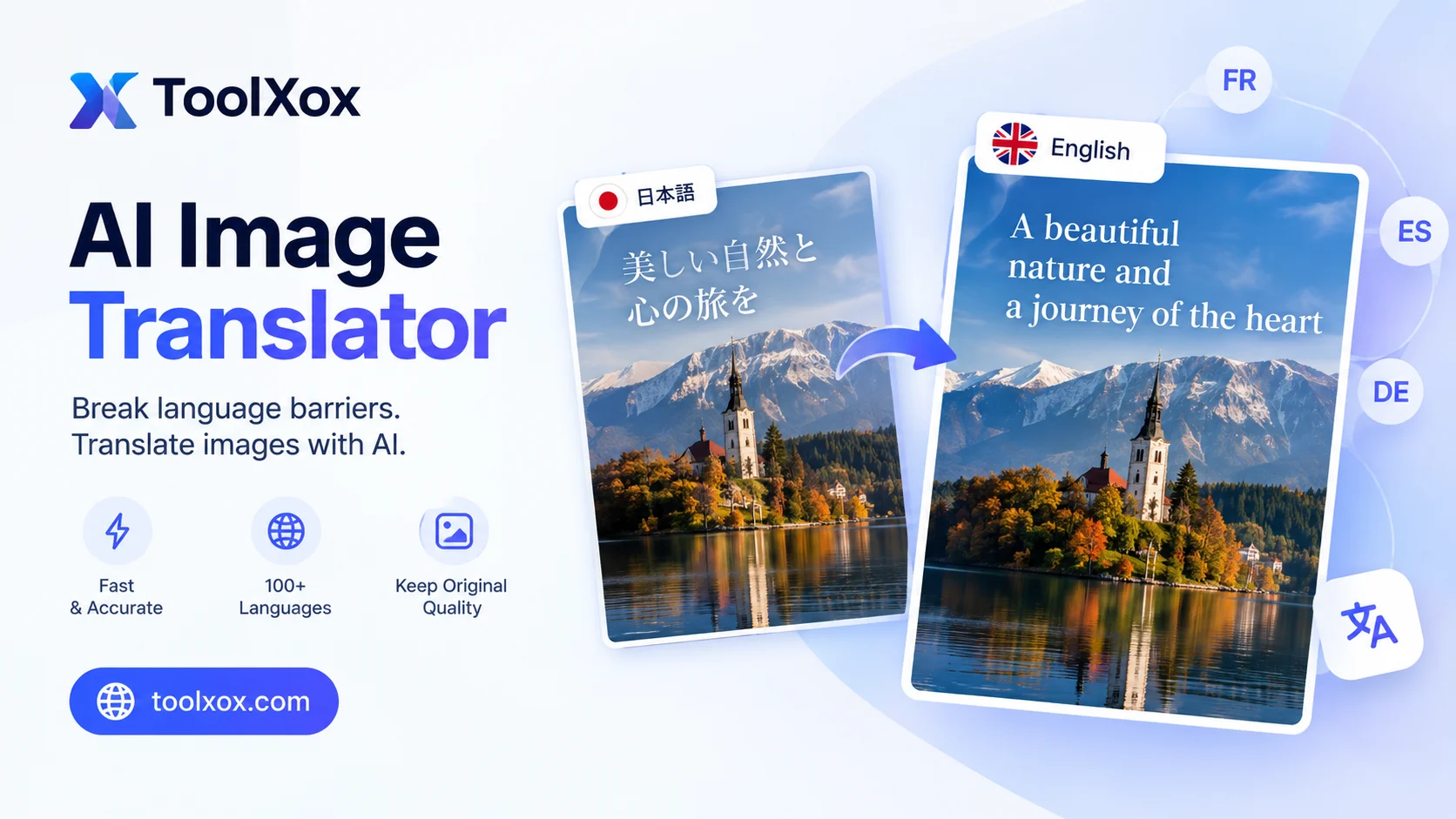
An image translator uses OCR to read text inside a photo, then AI translates it into a language you choose. It is useful for menus, packaging, signs, posters, and screenshots where the words live in pixels.
Which images work best?
Straight-on, well-lit photos of printed text work best. Crop to the words you care about. Fancy script, glare, and extreme angles are harder for OCR to read accurately.
Is ToolXoX AI Image Translator free?
Yes. It is free with no signup, credits, or watermark. Upload an image, pick a language, verify, and translate.
How accurate is the translation?
Accuracy follows OCR quality. Clear printed high-contrast text is strongest. Treat results as a practical draft and confirm legal, medical, or safety wording with a human when it matters.

