

PNG Upscaler - Enlarge Images with AI

Upload PNG / Image (PNG, JPG, WEBP up to 5MB)

Best for PNG — also JPG & WEBP up to 5MB

Upscale Size
Loading

How to Upscale a PNG Image Online

Need a free PNG upscaler that enlarges without heavy pixelation? ToolXoX AI upsizes PNG images 2× or 4× with sharper edges and cleaner detail — ideal for logos, product shots, UI assets, and low-res exports.

Upload a PNG (JPG/WEBP also work), pick 2× or 4×, complete the security check, and click Upscale PNG.

No skills needed. No registration. 100% free PNG upscaler. Super easy to use!

Features:
1. Upscale PNG 2× or 4× in one click
2. Sharpens detail & reduces soft edges
3. Works with PNG, JPG & WEBP (up to 5MB)
4. No sign-up — free online, no watermark
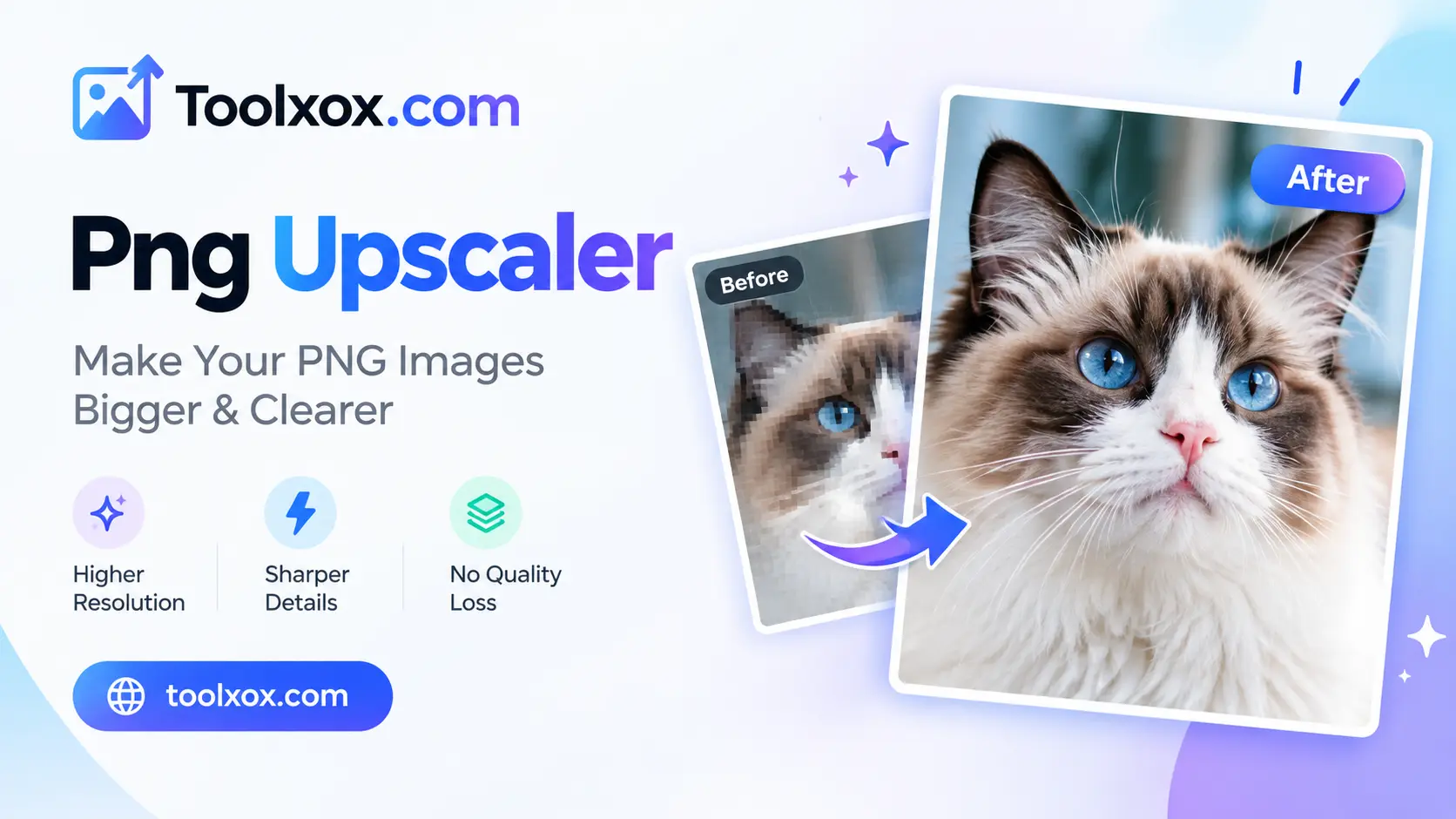

png upscaler free

What is a PNG upscaler?

A PNG upscaler increases width and height while AI rebuilds detail so the enlarged file looks sharper than simple stretch-resize. Useful when you need a bigger PNG for print, zoom, or high-DPI screens.

2× vs 4× upscale — which to pick?

Use 2× for a moderate boost (social, web, product zooms). Use 4× when you need much larger output for posters or crops. Extremely tiny sources have less detail to recover at 4×.

Does it keep PNG transparency?

Inputs with alpha (transparent PNGs) are best kept as PNG on the way in. Results with transparency are returned as PNG when the upscaler preserves the alpha channel; otherwise you may get a solid-background JPEG.

Is the PNG upscaler free?

Yes. Free with no signup, credits, or watermark. Upscale in any modern browser on desktop or mobile — nothing to install.

About the AI Image Upscaler

The upscaler enlarges small pictures while keeping detail. Upload a PNG or JPG and download a higher resolution version that looks cleaner than simple stretching.

How it works

  1. Upload your image.
  2. Start the upscaling.
  3. Wait for the AI to finish.
  4. Download the larger image.

Popular uses

  • Enlarge low-resolution logos and icons.
  • Improve old photos for printing.
  • Prepare images for banners and posters.

How do I upscale an image without losing quality?

Upload the picture and run the upscaler. The AI adds detail as it enlarges the image.

PNG files with flat colours, such as logos and icons, usually enlarge better than noisy photographs.

Which formats are supported?

PNG and JPG pictures can be upscaled.

Does upscaling keep transparent backgrounds?

Transparent PNGs are generally handled well, but the soft edges of semi-transparent areas can look slightly different after enlargement. After upscaling, place the result on a plain background to check the edges, and compare it with the original before using it in your design.
